

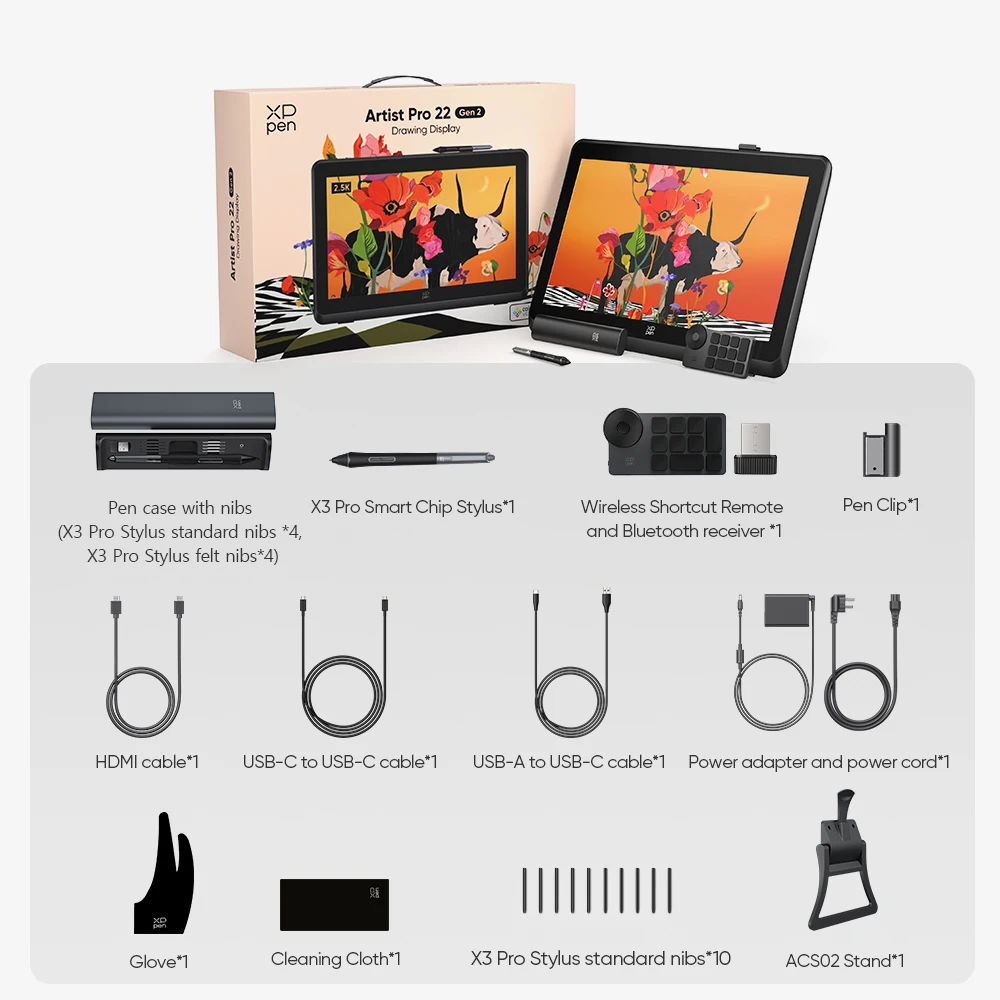
You’ve been hunting for a large drawing monitor that doesn’t force you to squint at tiny details or compromise on pen feel. Something that bridges the gap between a professional-grade setup and a price that won’t make you wince. The XPPen Artist Pro 22 (Gen 2) Graphics Tablet Monitor lands squarely in that sweet spot, and after digging through the specs, here’s what I think you need to know.
A Canvas That Respects Your Eyes and Your Wrist
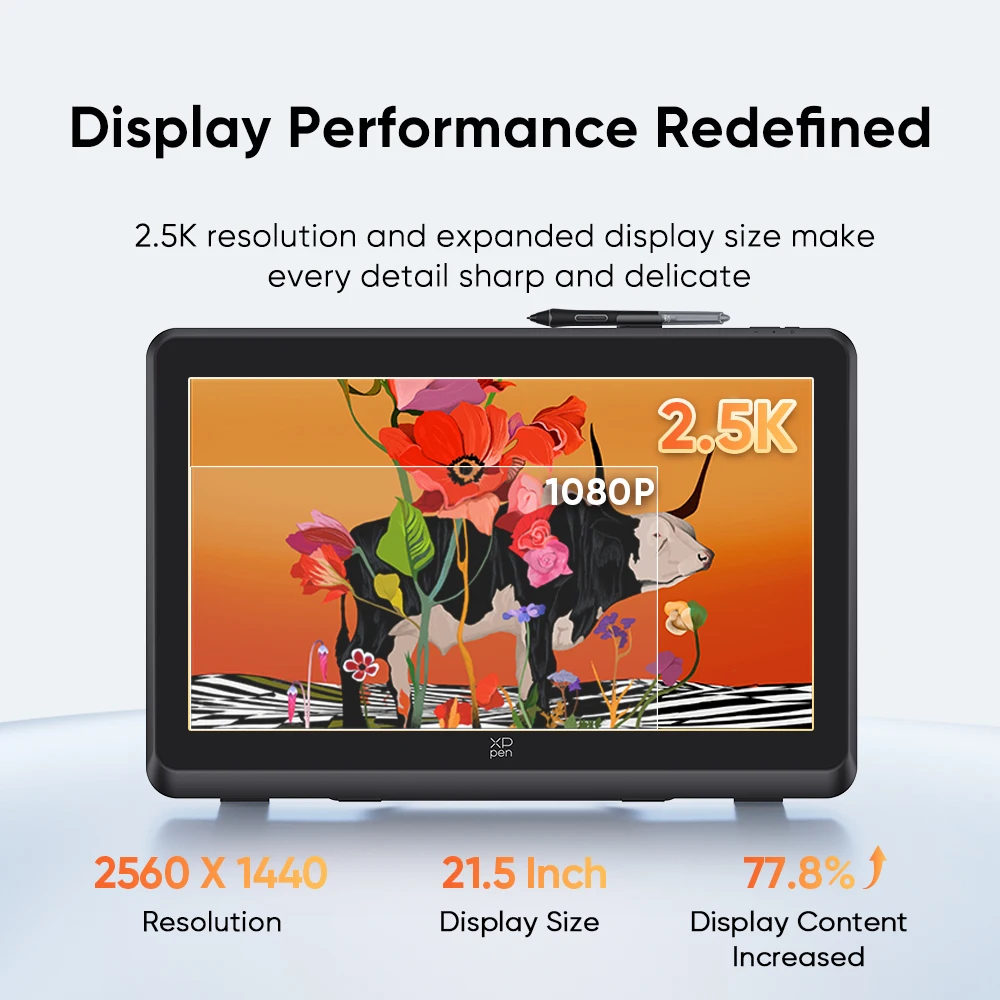
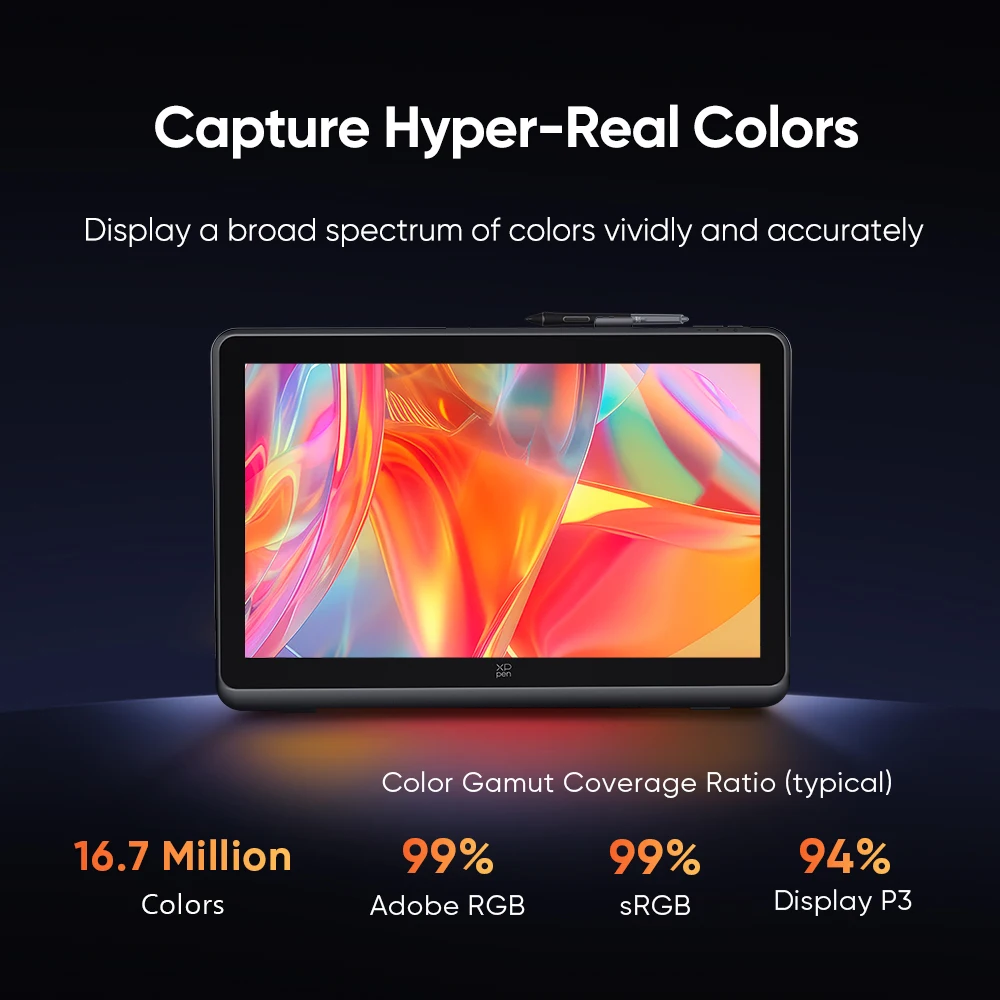
The first thing that jumps out is the 22-inch screen with a 2.5K QHD resolution (2560 x 1440). That’s noticeably sharper than standard Full HD, giving you more room to work without losing crispness. Real talk: if you’ve been using a smaller tablet, this extra real estate alone can change how you approach your compositions. The panel is Calman Verified, which means color accuracy is taken seriously out of the box — a huge plus for anyone doing print or client work where “close enough” isn’t good enough.
Why This Display Tablet Stands Out for Creatives
Here’s the thing — pressure sensitivity often gets hyped, but the X3 Pro pen delivers a genuine 16K (16384) levels of pressure. That’s four times the resolution of many older pens, and it translates to incredibly nuanced line work. From the lightest sketch to a heavy brush stroke, the response feels natural. Based on the specs, this generation (Gen 2) seems to refine everything that made the previous version solid. And the compatibility list is wide: Windows, macOS, Android, and Linux. That’s rare flexibility for a display tablet, especially if you switch between operating systems or use a Linux-based creative workflow.
A Couple of Details Worth Checking Before You Buy
No product is perfect, and a few things aren’t spelled out in the listing. For instance, there’s no mention of an adjustable stand or VESA mount compatibility — so if you need tilt or height adjustment, you might have to budget for a separate arm or stand. Also, the exact connectivity ports (HDMI, USB-C, etc.) aren’t listed here, so it’s worth verifying with the seller whether your specific computer can hook up without extra adapters. That said, these are minor unknowns in an otherwise well-specified monitor.
Is This the Right Fit for Your Workflow?
If you’re a digital painter, photo retoucher, or 3D sculptor who values screen size and color fidelity, the XPPen Artist Pro 22 (Gen 2) makes a strong case for itself. The 16K pressure levels and 2.5K resolution put it in a class above many mid-range competitors. But it’s also perfectly usable for hobbyists who want room to grow. Just keep in mind that a 22-inch display takes up desk space — make sure your setup can accommodate it comfortably.
In the end, this is a thoughtful upgrade for anyone ready to move beyond a smaller or lower-resolution display. Take a close look at your own workspace and connectivity needs, and if those line up, this monitor could be the creative partner you’ve been waiting for.


Reviews
There are no reviews yet.