
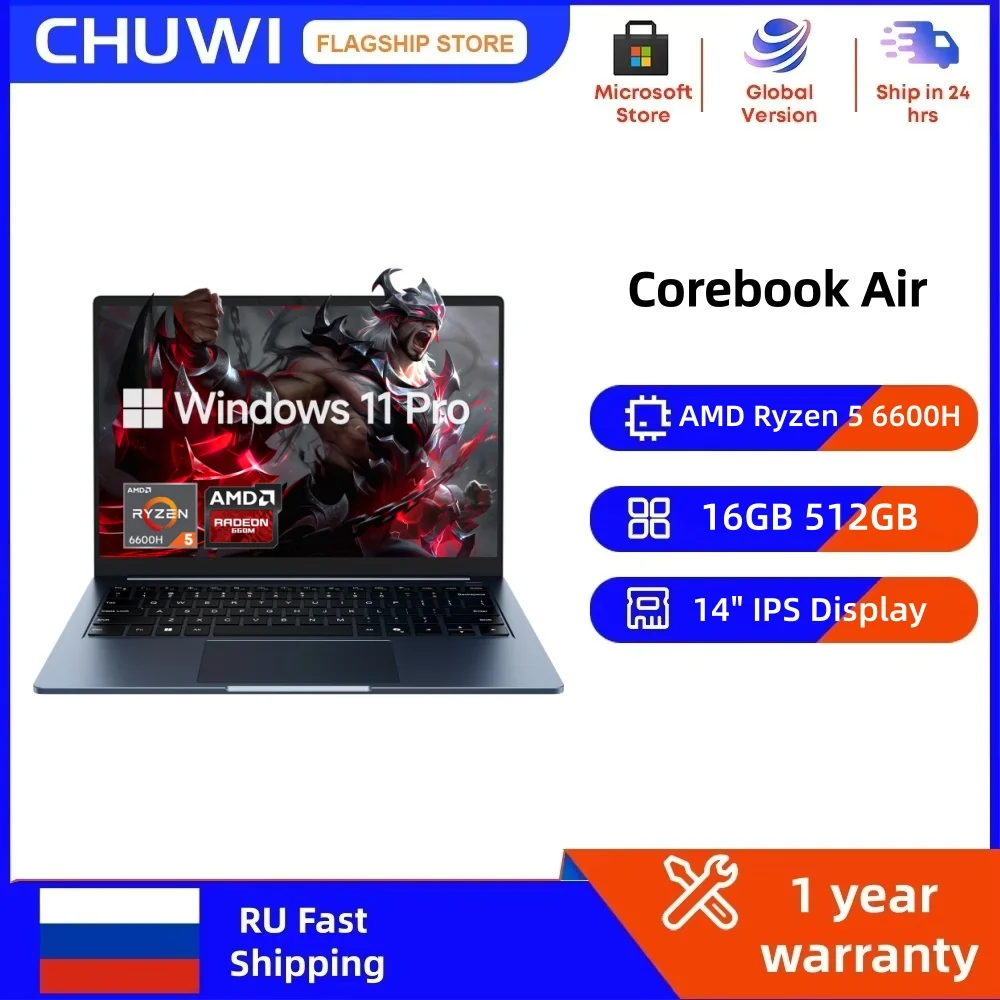
Shopping for an ultra-thin laptop often means choosing between a bright screen and a processor that can keep up. The CHUWI CoreBook Air tries to balance both in a 14-inch package. With an AMD Ryzen 5 6600H and Windows 11 Pro, it aims at students, remote workers, and anyone who wants a portable machine for everyday tasks. But does the spec sheet add up to a smart buy? Let’s break it down.
A 14-Inch Screen That Goes Taller Than Most
The CoreBook Air uses a 14-inch IPS display with a 1920 x 1200 resolution and a 16:10 aspect ratio. That taller shape gives you more vertical room for documents, spreadsheets, and web pages than a standard 16:9 panel. The 60 Hz refresh rate is standard for this class, so scrolling and video playback should feel normal. For writing, research, and video calls, this screen size and resolution are a practical match for the chassis.
AMD Ryzen 5 6600H and Radeon 660M: Power for Daily Work
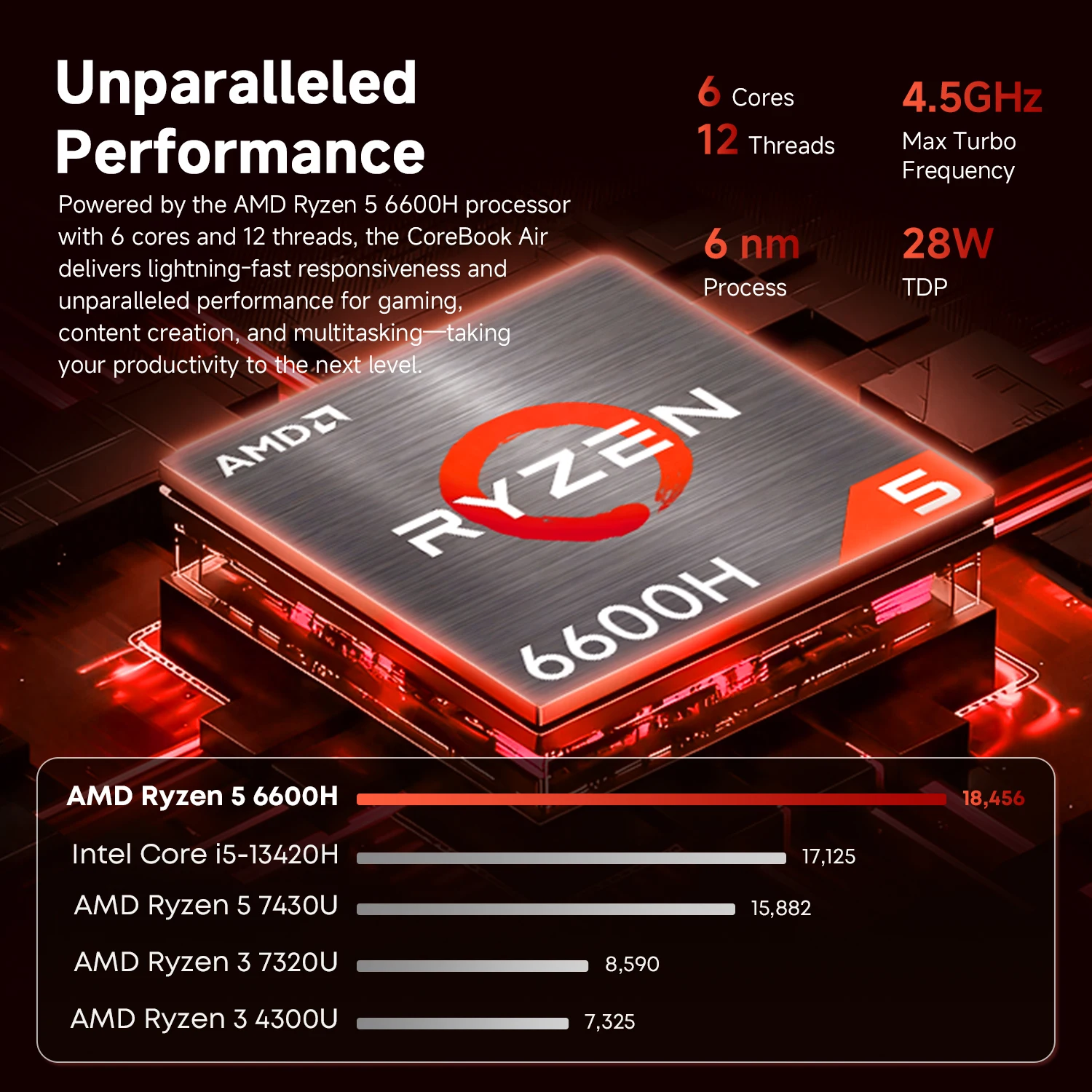
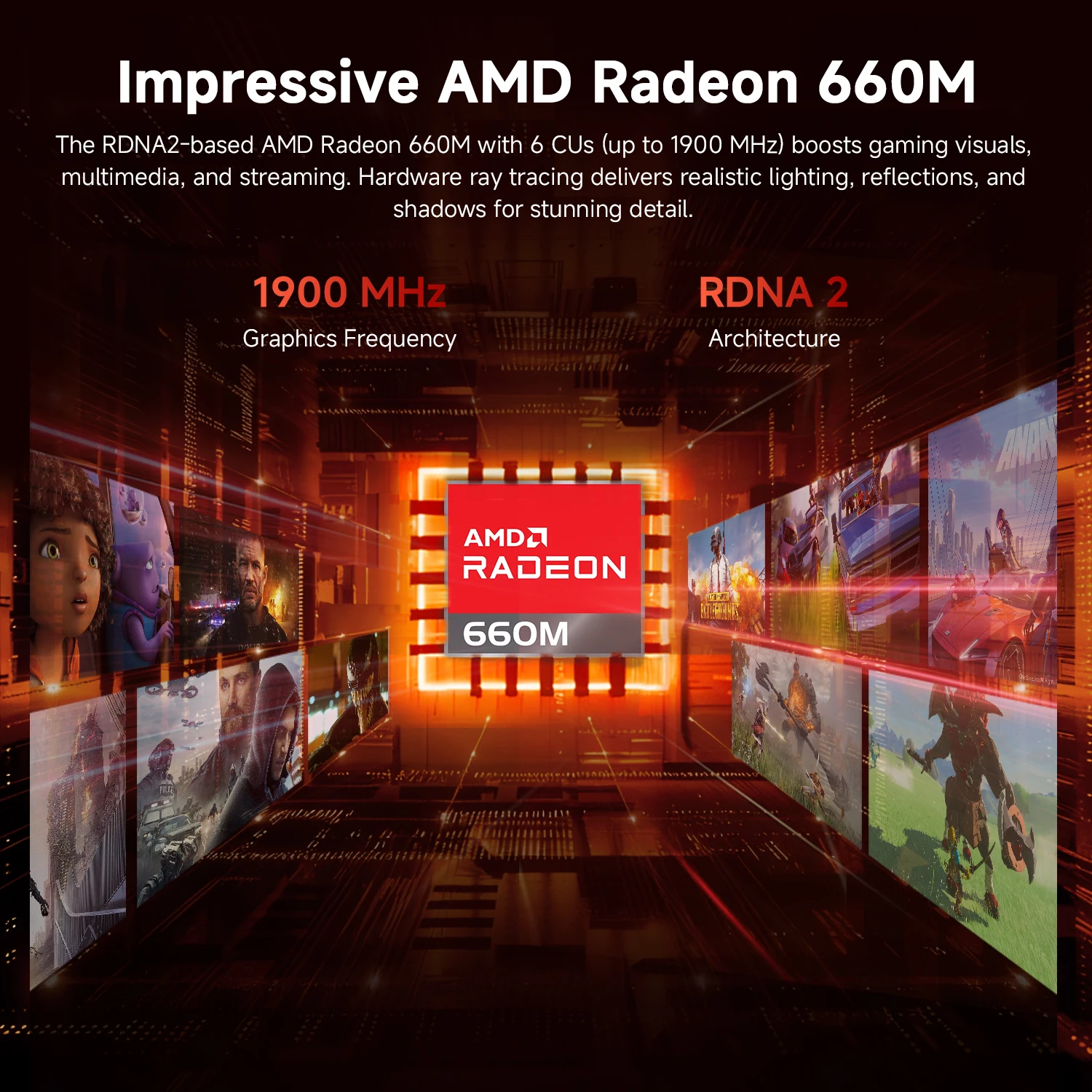
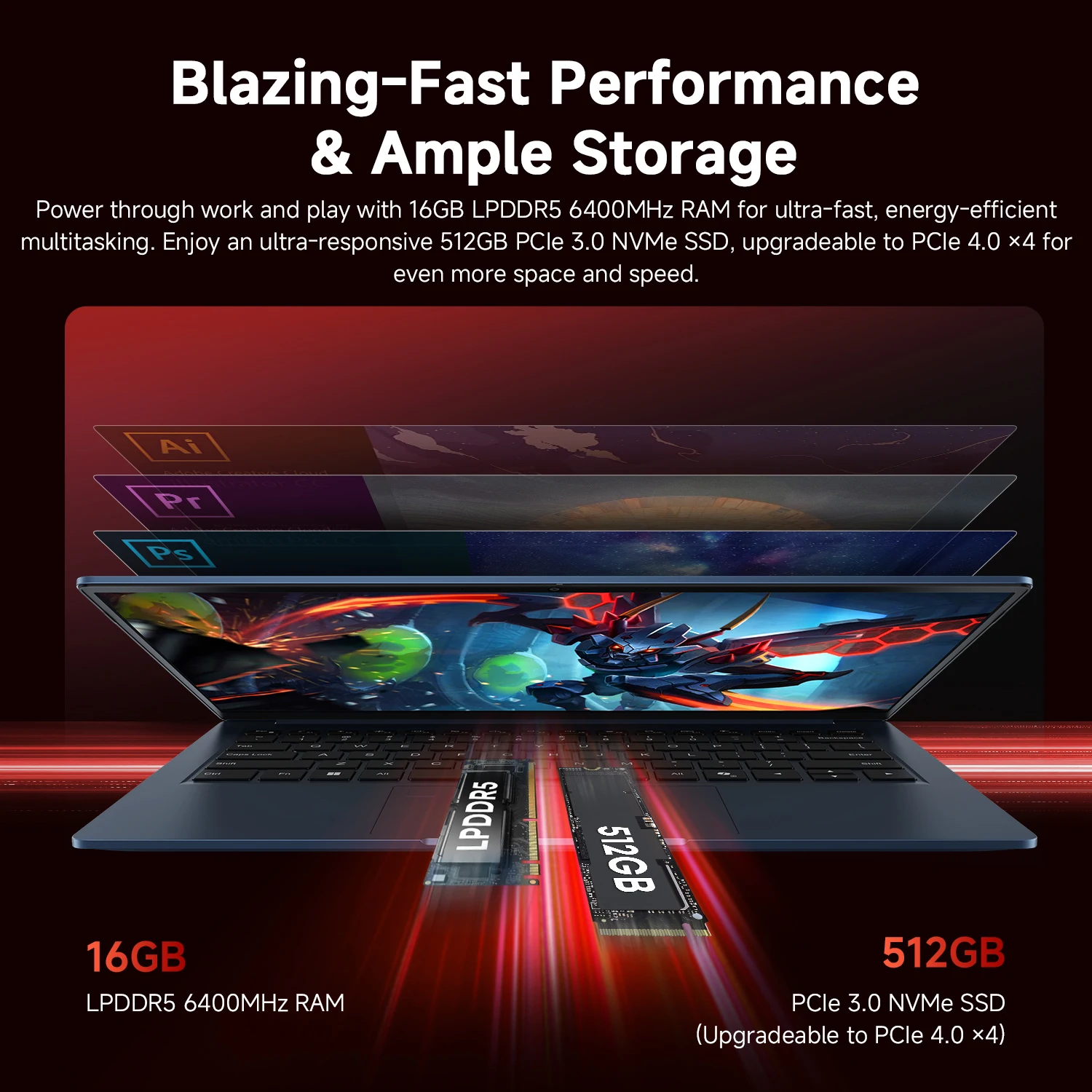
Here’s the thing — the processor is the headline. The AMD Ryzen 5 6600H runs 6 cores and 12 threads, with a 3.3 GHz base clock and up to 4.5 GHz max boost. That gives the CHUWI CoreBook Air enough headroom for multitasking, light photo editing, and browser-heavy workdays. The integrated AMD Radeon 660M handles everyday graphics, though it is not a dedicated gaming GPU. Memory and storage also look sensible for the price class, based on the specs:
- Processor: AMD Ryzen 5 6600H, 6 cores / 12 threads, 3.3 GHz base, 4.5 GHz max boost
- Graphics: AMD Radeon 660M
- Memory: 16 GB LPDDR5
- Storage: 512 GB PCIe NVMe SSD
- Operating system: Windows 11 Pro
The Ports, Keyboard, and Battery That Shape Daily Use
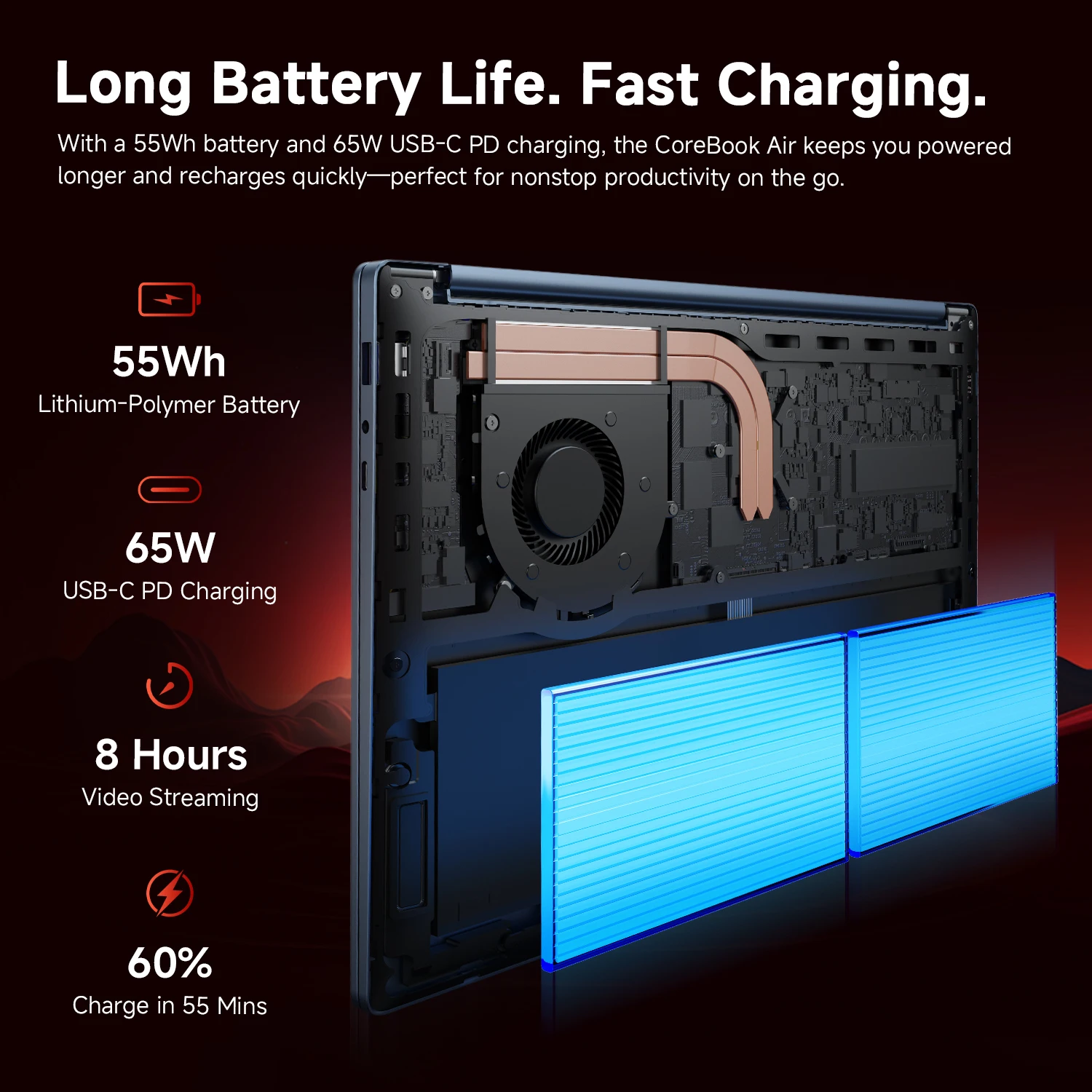
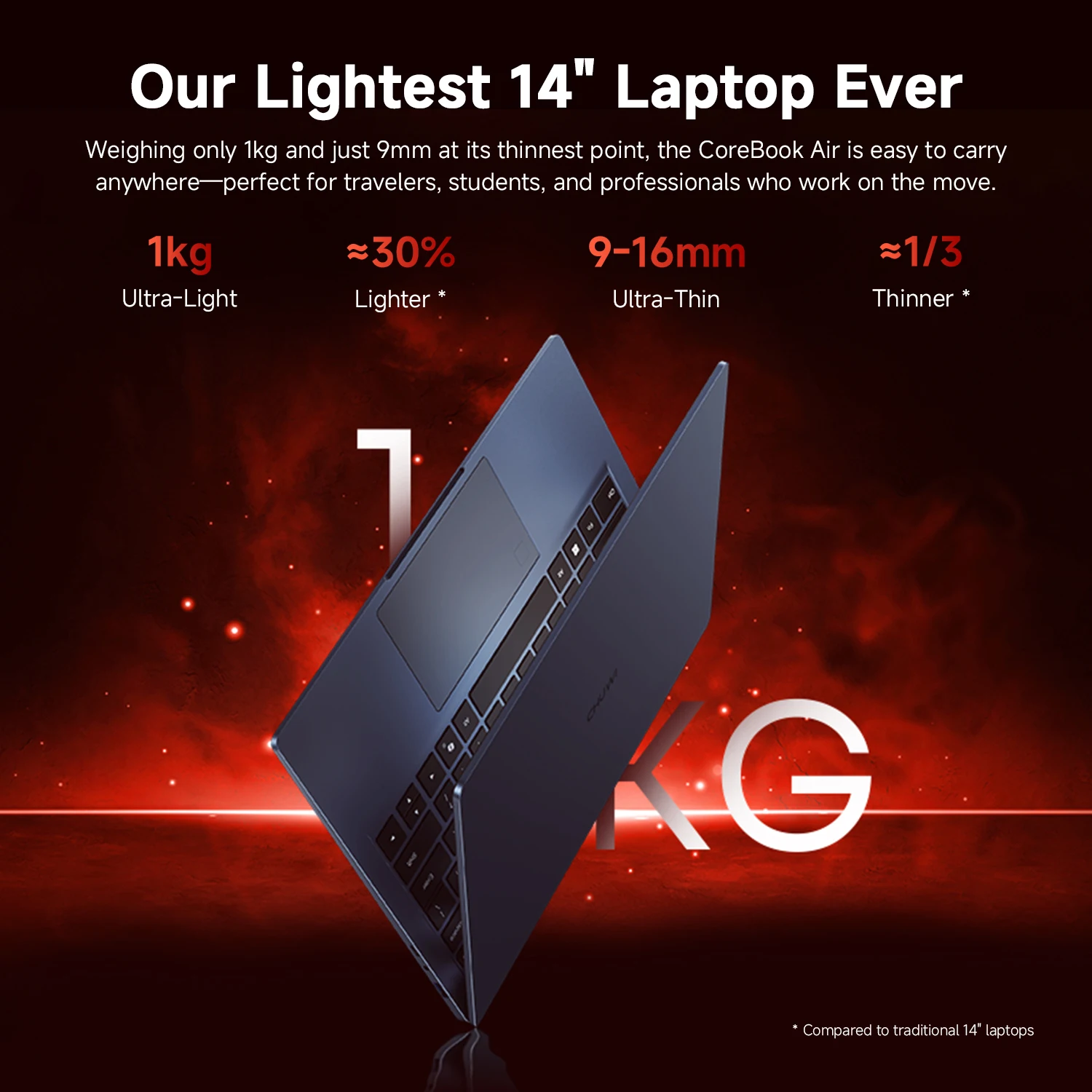
Port selection is often where slim laptops stumble, but this one covers the basics with USB-C, USB-A, HDMI, and a 3.5 mm audio jack. The backlit keyboard is useful for late-night typing, and Wi-Fi 6 plus Bluetooth 5.2 keep wireless connections current. The aluminum alloy body and roughly 1.35 kg weight make it easy to carry, while the dimensions of about 314.8 x 223.5 x 17.9 mm keep it compact. Battery capacity is 45.6 Wh, and charging runs through 65 W USB-C.
- Display: 14-inch IPS, 1920 x 1200, 16:10, 60 Hz
- Wireless: Wi-Fi 6, Bluetooth 5.2
- Ports: USB-C, USB-A, HDMI, 3.5 mm audio
- Keyboard: Backlit
- Battery: 45.6 Wh, 65 W USB-C charging
- Build: Aluminum alloy
- Weight: Approx. 1.35 kg
- Dimensions: Approx. 314.8 x 223.5 x 17.9 mm
A Few Honest Catches Before You Commit
Fair warning: the 60 Hz refresh rate is fine for office work and video, but fast-paced gaming may feel limited. The 512 GB PCIe NVMe SSD is a solid starting point, but heavy media libraries can fill it quickly. And the 45.6 Wh battery paired with a 6-core processor means you may want to keep the 65 W USB-C charger nearby on long days. The listing doesn’t spell out whether the 16 GB LPDDR5 memory can be upgraded, so it may be worth checking with the seller if future-proofing matters.
Should the CHUWI CoreBook Air Earn a Spot in Your Bag?
If you need a portable Windows 11 Pro machine for writing, browsing, light photo editing, and video calls, the CHUWI CoreBook Air’s mix of 16 GB RAM, 512 GB SSD, and a 14-inch 1920 x 1200 IPS display makes sense on paper. And the 1.35 kg aluminum body is easy to carry. If you want to compare it with your current laptop, check the port layout and battery needs first. It’s a considered pick for the right user.




Reviews
There are no reviews yet.