
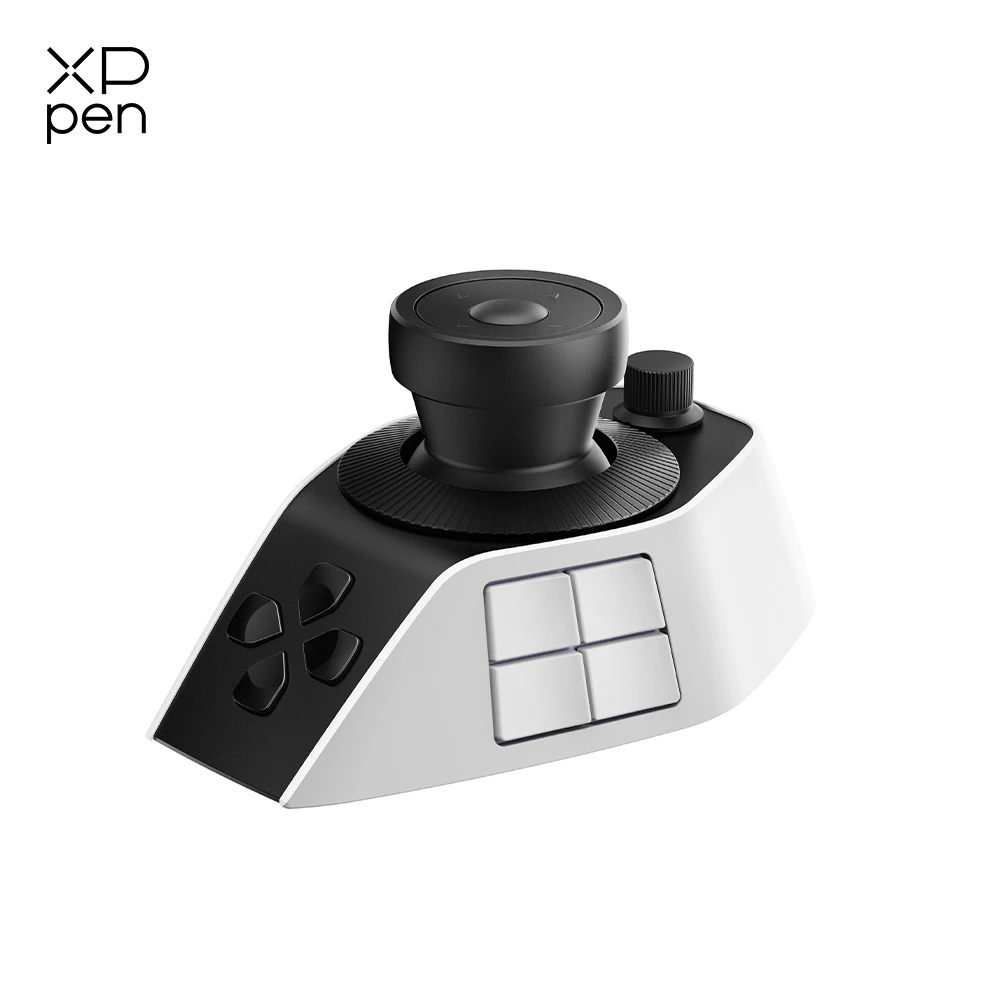



You’ve got a three-hour timeline open, a mouse in one hand, and a coffee going cold somewhere behind your keyboard. Forty shortcuts, half of them forgotten. If that’s your editing desk, an editing console isn’t a luxury — it’s a mercy. The XPPen Pilot Pro is aimed at exactly that setup, promising to pull the repetitive parts of video editing off your keyboard and into one wireless unit.
Pilot Pro Over Bluetooth 5.4: Cutting the Cord
The console connects over Bluetooth 5.4, so there’s no dongle to lose and no cable crossing your desk while you work. It runs on a built-in rechargeable battery and charges through USB-C — the one cable standard most of us already have three of. Here’s the thing — wireless editing gear lives or dies by its connection, and Bluetooth 5.4 is a newer standard than what a lot of budget consoles use. Compatibility covers Windows and macOS, plus Bluetooth-enabled devices as supported.
The Numbers Behind the Knobs
- Connectivity: Bluetooth 5.4
- Joystick: 1 all-way joystick
- Shortcut capacity: 100+
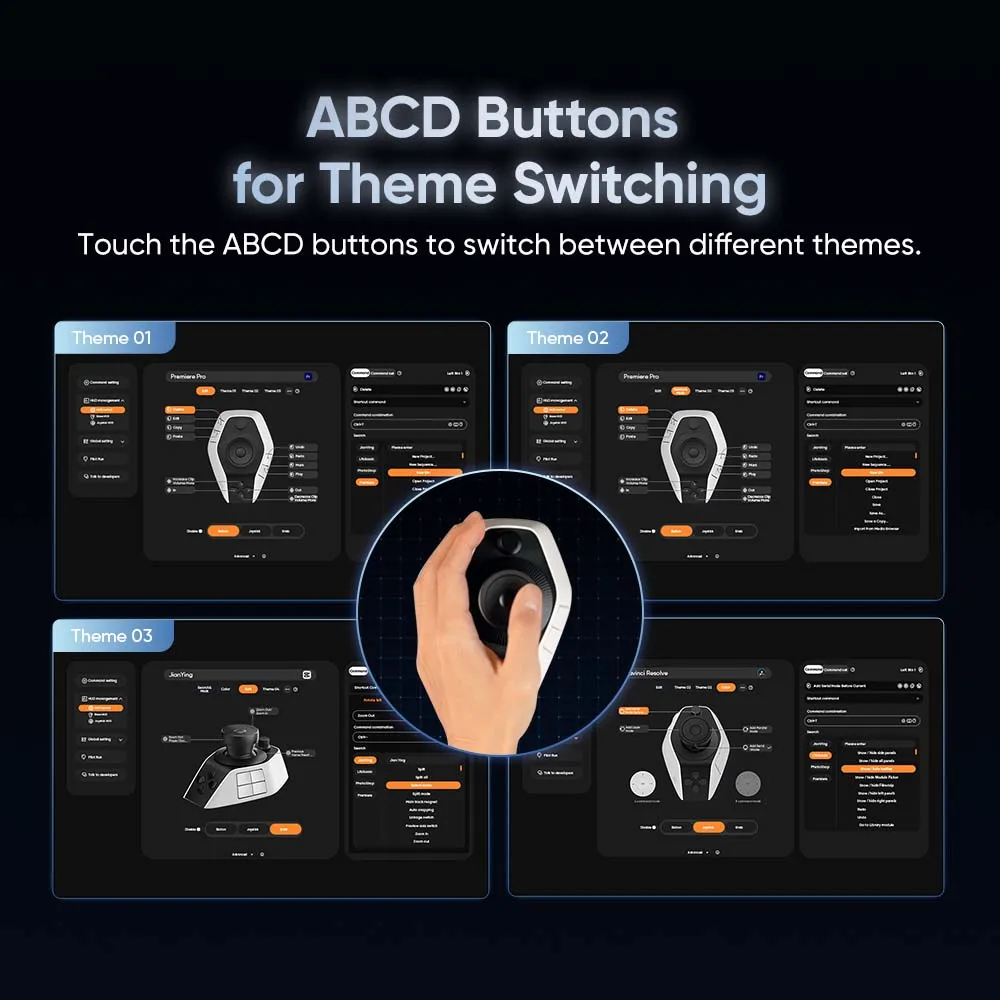
- Customizable controls: yes, through the XPPen companion software
- Compatibility: Windows, macOS, and Bluetooth-enabled devices as supported
- Power source: built-in rechargeable battery
- Charging port: USB-C
- Model: Pilot Pro
Where the Pilot Pro Actually Saves You Time
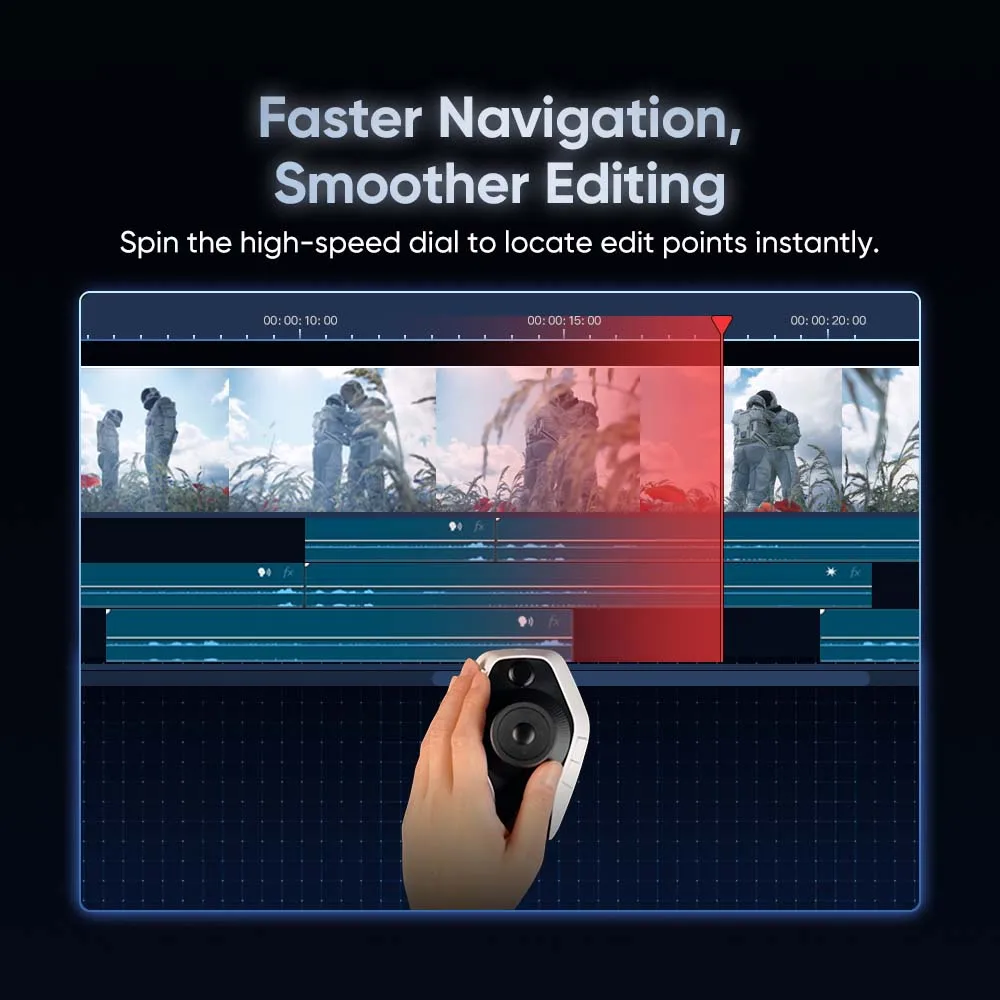
The all-way joystick is the piece most editors will reach for first — it handles the directional scrubbing and nudging that usually falls to a mouse, and it does it without you aiming at a tiny timeline handle. Then there’s the 100+ shortcut capacity. That’s the number that matters long-term, because a console you outgrow in three months is a console you resell. Since the controls are customizable in XPPen’s software, the layout can grow with your workflow instead of forcing you to memorize someone else’s idea of a good shortcut map. And the wireless setup means one less thing tethered to your machine. For vlog and video editing specifically, this is a focused tool rather than a catch-all controller.
Two Things Worth Knowing Before You Buy
Real talk: compatibility here means Windows, macOS, and Bluetooth-enabled devices as supported — so if you cut on Linux, this isn’t the console for you. The listing also doesn’t spell out battery life or physical dimensions, so it may be worth checking with the seller if desk space or session length is a dealbreaker. That said, neither point rules it out for most Windows and Mac editors.
So is it worth clearing a corner of your desk for? If you spend hours a week in a timeline and your shortcuts keep slipping, the XPPen Pilot Pro editing console is a sensible upgrade — wireless, rechargeable, and customizable enough to fit how you actually cut. Worth a closer look before your next project starts.



Reviews
There are no reviews yet.