
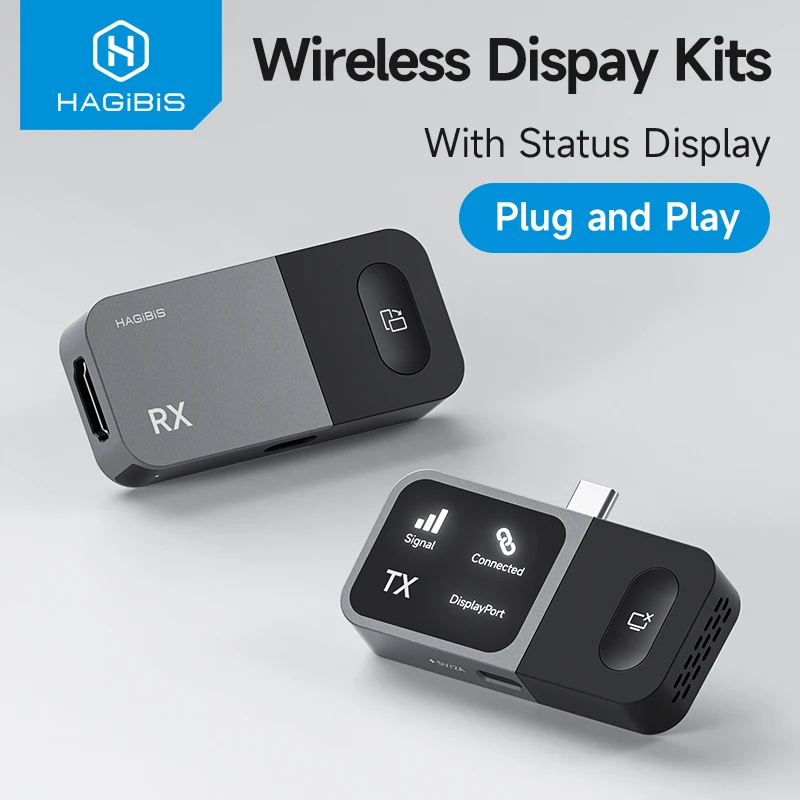
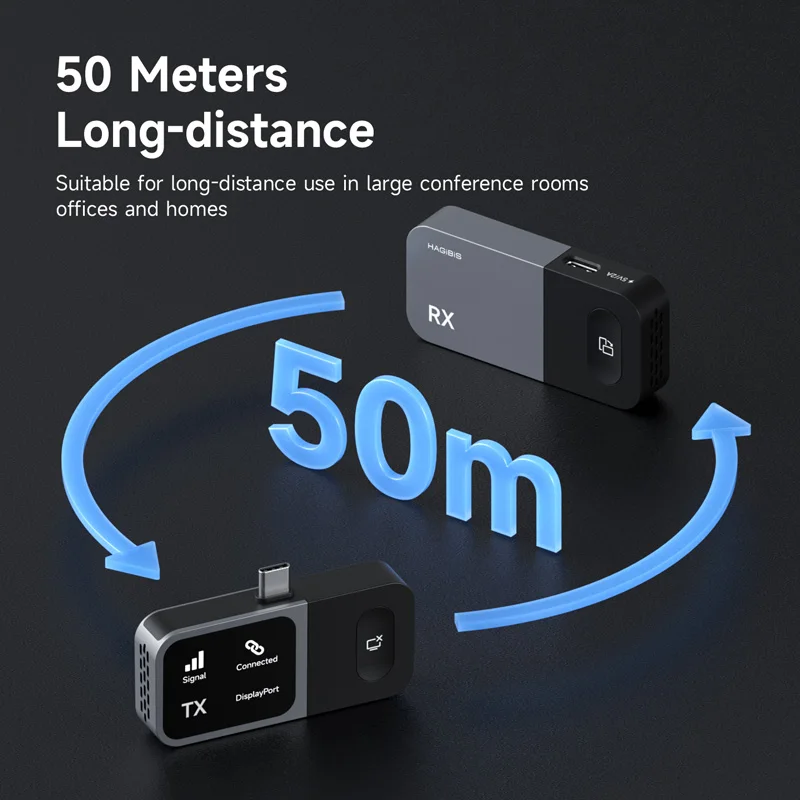
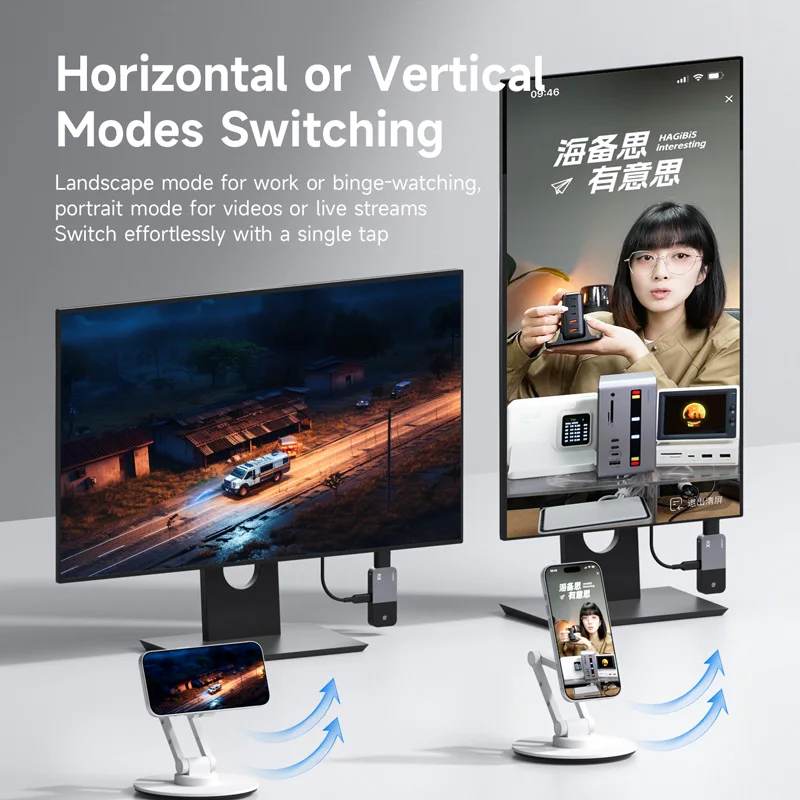
You’ve got a presentation on your phone, a hotel TV with an HDMI port, and no adapter that fits. Or maybe you want to mirror a laptop screen to a monitor across the room without dragging a cable. That’s the exact gap the Hagibis Wireless USB C Transmitter and Receiver Kit is trying to fill. It pairs a USB-C transmitter with an HDMI receiver, so your source device can stay where it is while the display does the heavy lifting.
A Wireless Bridge From USB-C to HDMI
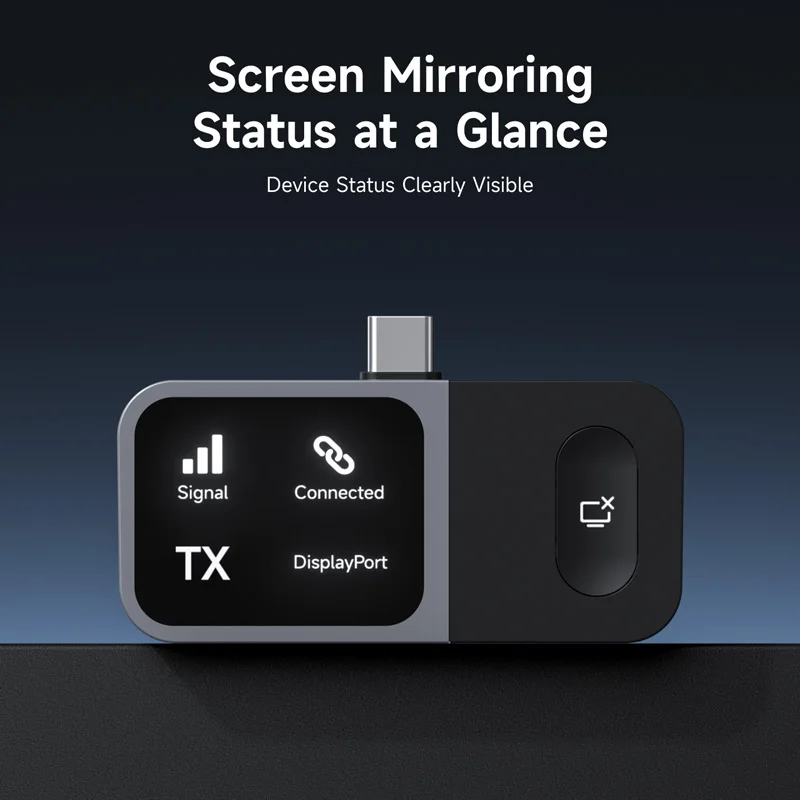
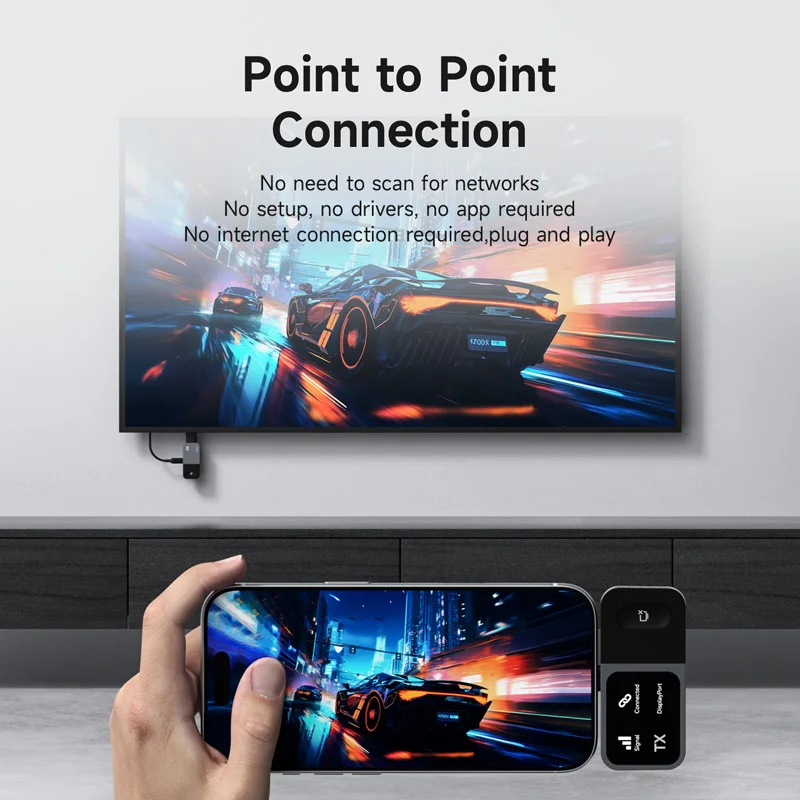
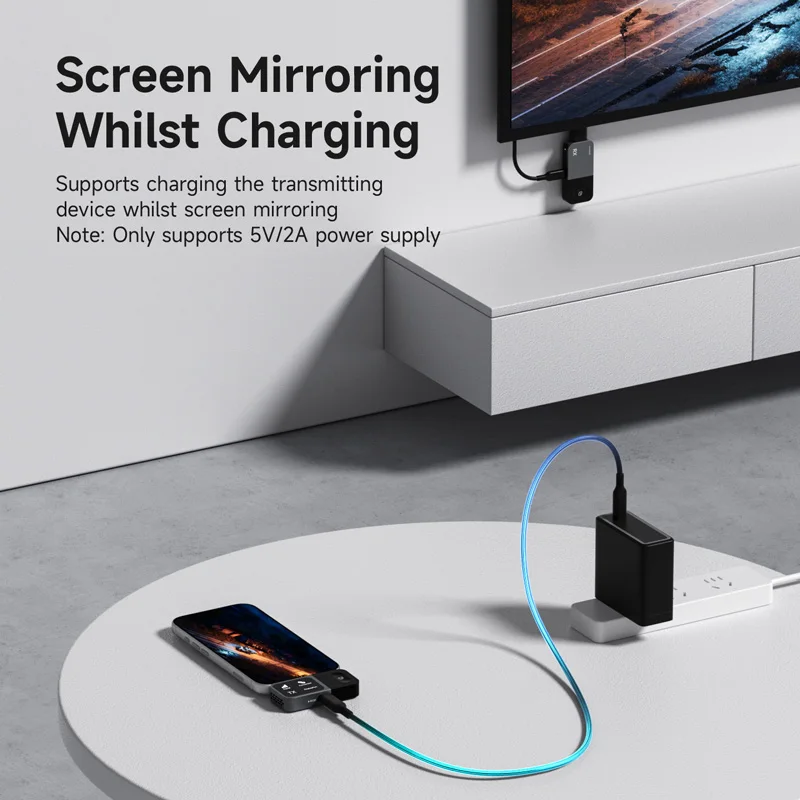
Here’s the thing — this kit is built for two jobs: screen mirroring and video extension. The transmitter plugs into a USB-C port on a phone, tablet, laptop, or Samsung device. The receiver plugs into an HDMI input on a monitor or TV. From there, the connection is wireless, and the kit supports resolutions up to 1080p. It’s also listed as plug and play, which means you shouldn’t need to install drivers or fiddle with complicated settings. The package includes both the transmitter and the receiver, so you get the full pair in one box.
- Transmitter interface: USB-C
- Receiver interface: HDMI
- Connection type: wireless USB-C to HDMI
- Supported resolution: up to 1080p
- Compatibility: phone, tablet, laptop, monitor, Samsung
- Function: HDMI video extender and mirroring
- Plug and play: yes
- Package contents: transmitter and receiver kit
Where the Plug-and-Play Promise Pays Off
The biggest advantage is convenience. You don’t have to run a long HDMI cable from your laptop to a projector or TV. If you move between meeting rooms, classrooms, or hotel desks, a wireless USB-C to HDMI setup can save you from crawling under furniture. The 1080p support is fine for slides, documents, web browsing, and most video calls. And because the transmitter uses USB-C, it works with a wide range of modern devices — not just one brand. Plus, having both the transmitter and receiver in the kit means you’re ready to go as soon as it arrives.
The 1080p Ceiling and Other Fine Print
Fair warning: this is not a 4K solution. The maximum resolution is 1080p, so if you need crisp text on a large 4K monitor or you’re editing high-resolution video, you’ll want to look elsewhere. That said, for everyday mirroring and presentations, 1080p is usually enough. But is 1080p enough for your needs? Only you can answer that. Another thing to keep in mind is that wireless performance can vary depending on your environment, and the listing doesn’t spell out the exact wireless range or latency. If those details matter for your setup, it’s worth checking with the seller before ordering.
A Practical Match for Travel Kits and Meeting Rooms
This Hagibis wireless transmitter and receiver kit makes the most sense for people who frequently connect a USB-C device to an HDMI screen but hate carrying cables. It’s also handy for home setups where running a permanent cable isn’t practical. The plug-and-play design and broad compatibility with phones, tablets, laptops, monitors, and Samsung devices give it a lot of flexibility. Just remember the 1080p limit and the fact that wireless signals can be picky about distance and obstacles.
If you need a simple way to get a USB-C device onto an HDMI display without another cable, this kit is a reasonable option to consider. Confirm that the 1080p resolution and wireless range fit your room and your devices, then decide if it belongs in your bag.



Reviews
There are no reviews yet.