
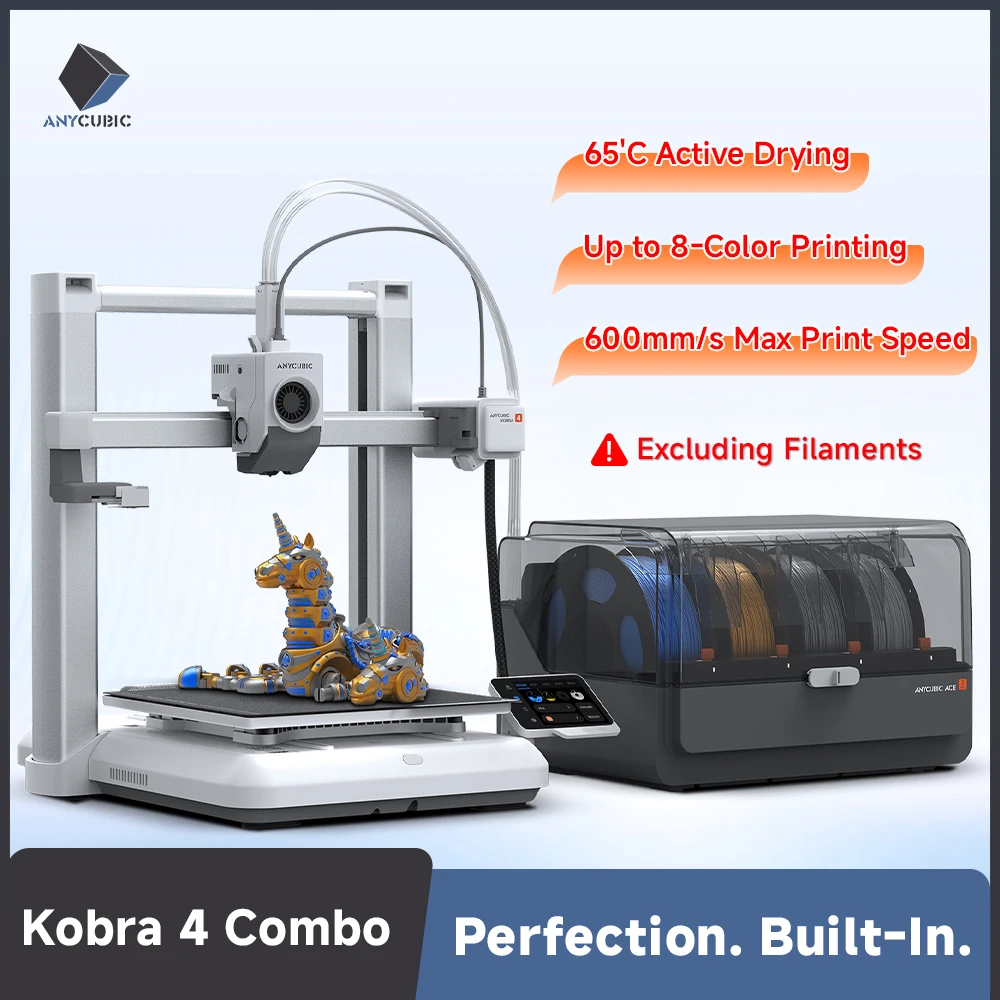

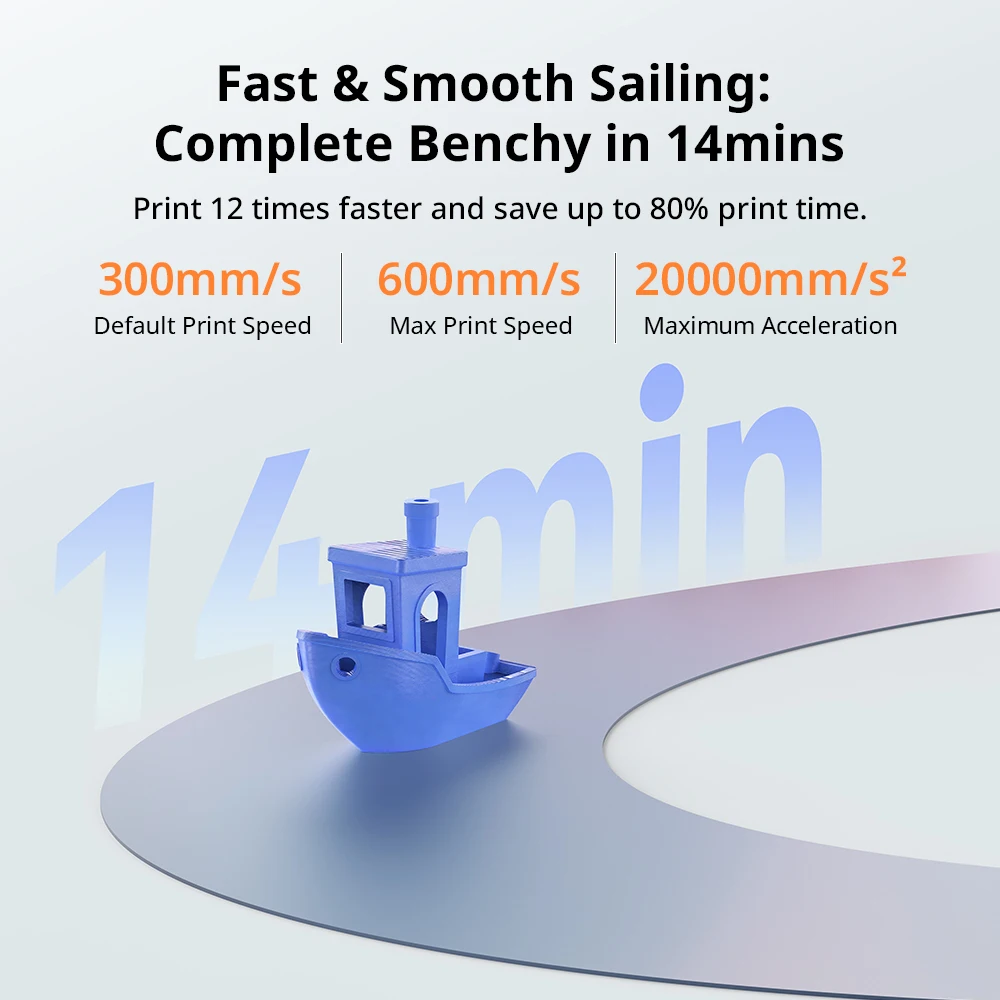
What if you could print in up to eight colors and still hit speeds that make single-color machines feel sluggish? The Anycubic Kobra 4 Combo is aiming for exactly that combination. It’s an FDM 3D printer with a 600 mm/s max print speed, a 260 x 260 x 270 mm build volume, and the Anycubic ACE 2 Pro multi-material system. Here’s the thing — this isn’t just about raw numbers. It’s about whether the whole package makes sense for your desk.
600 mm/s Meets a 260mm Cube
The headline spec is speed. A max print speed of 600 mm/s puts this Kobra 4 Combo in the fast lane for FDM printing. But speed alone doesn’t mean much if the build volume is cramped. You get 260 x 260 x 270 mm of space, which is a solid cube for most functional parts, cosplay pieces, and prototypes. Layer heights range from 0.1 to 0.35 mm, and the 0.4 mm nozzle handles standard detail work.
- Max print speed: 600 mm/s
- Build volume: 260 x 260 x 270 mm
- Layer height: 0.1–0.35 mm
- Nozzle diameter: 0.4 mm
- Max nozzle temp: 300°C
- Max bed temp: 110°C
- Build plate: PEI magnetic spring steel
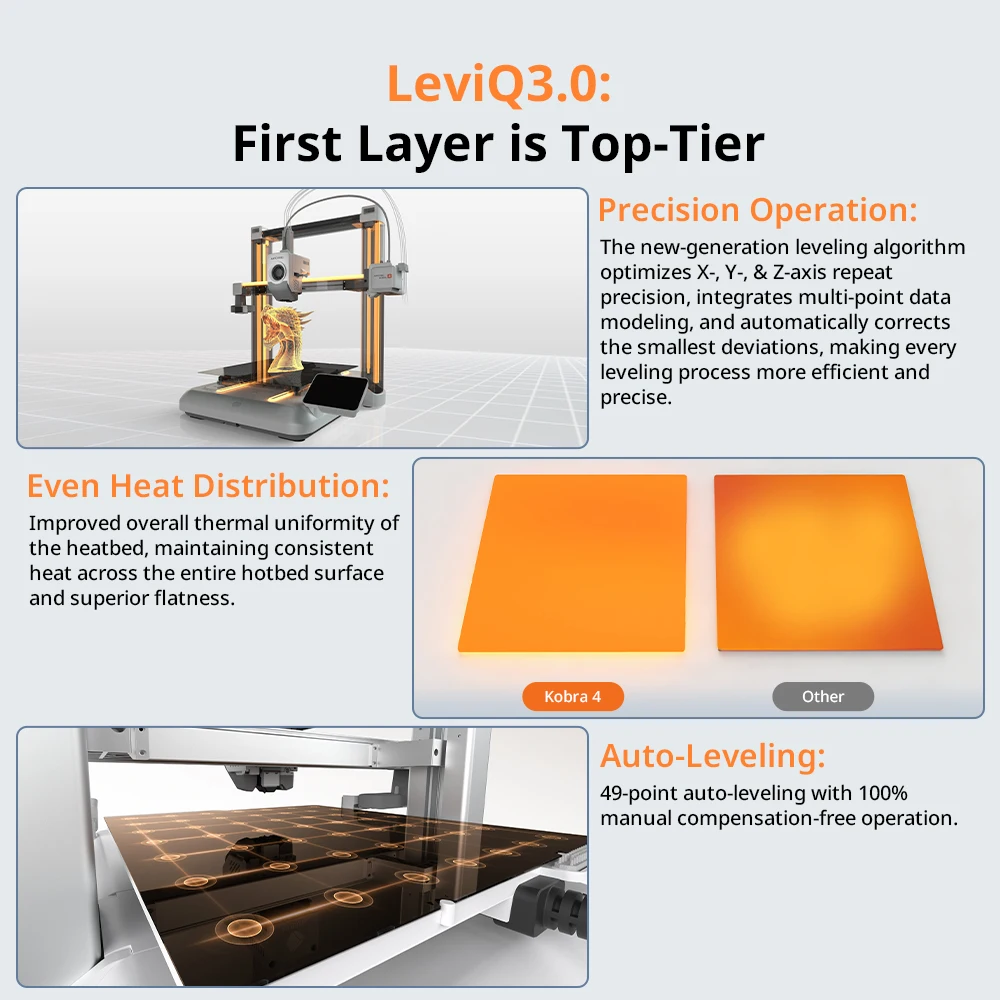
- Leveling: Automatic bed leveling
- Filament diameter: 1.75 mm
The direct drive extruder and automatic bed leveling are practical touches. You won’t spend your first hour fiddling with paper shims.
Eight Colors Without the Manual Swap Dance
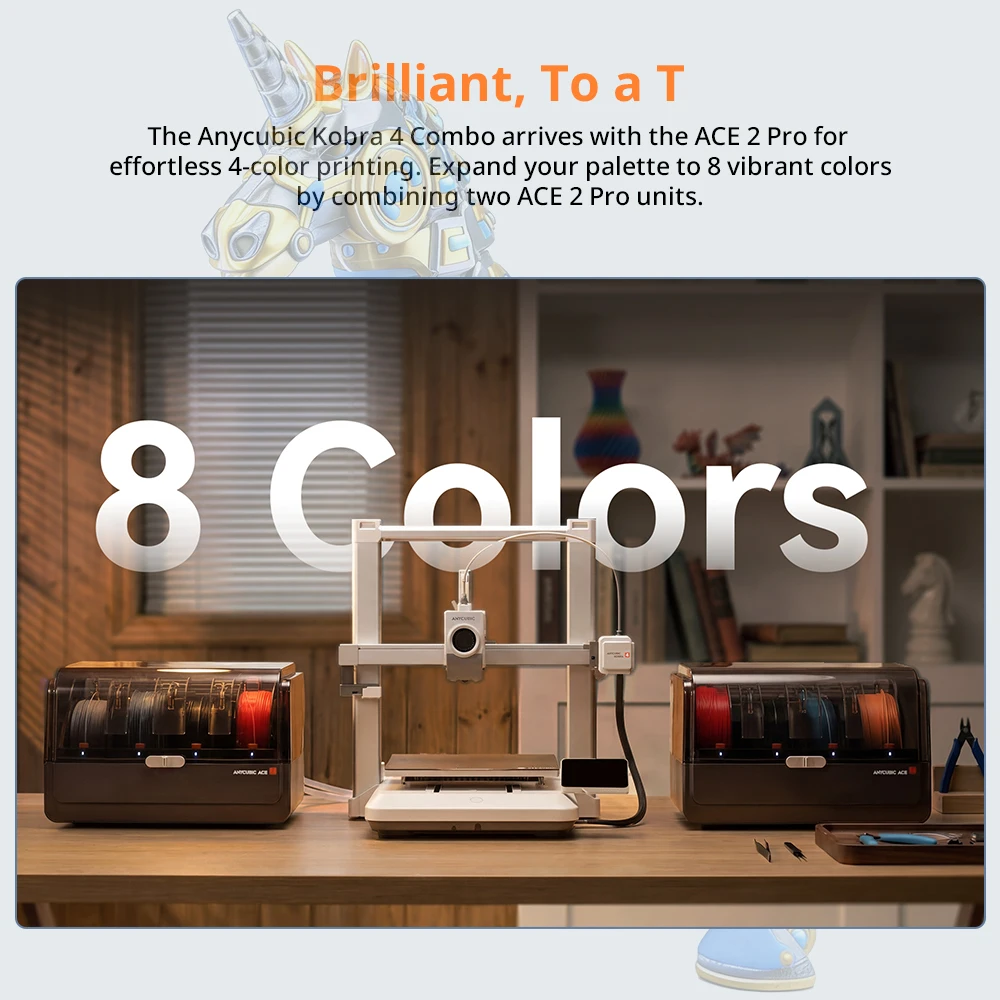
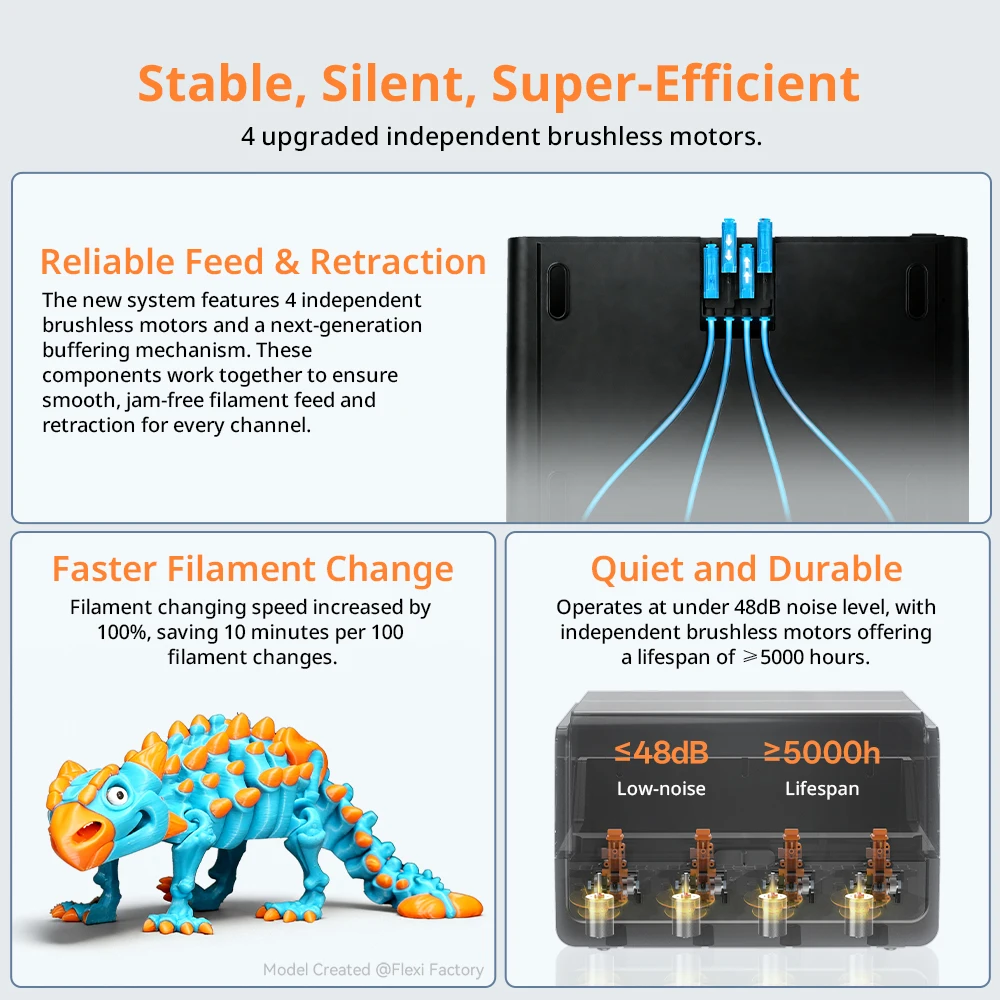
The ACE 2 Pro is the centerpiece of this combo. It supports up to eight colors, and it also handles filament drying. That’s a big deal if you print with PETG, TPU, or ASA, because moisture can ruin a spool. Multi-color printing on a single FDM machine usually means manual swaps or expensive add-ons. Here, it’s built into the system.
And the supported materials list is broad: PLA, PETG, ABS, TPU, ASA, and similar 1.75 mm filaments. The 300°C max nozzle temperature opens the door to higher-temp materials than a basic 240°C hotend would allow.
Control From Your Phone, Slice in Anycubic Slicer Next
Connectivity is covered with Wi-Fi and USB. You can control the printer through the Anycubic APP, which is handy for starting jobs or checking status without hovering over the machine. Slicing happens in Anycubic Slicer Next. That’s the official workflow, so you’re not hunting for third-party profiles right out of the box.
Two Small Snags Before You Commit
Fair warning: this is the RU region variant. That may mean a different power plug or voltage standard than what’s common in your country, so verify compatibility before ordering. Also, the listing doesn’t spell out the exact power supply specs, so it’s worth confirming with the seller if that matters for your setup.
Another minor point: the 0.4 mm nozzle is the only size listed. If you want to print with a larger nozzle for speed or a smaller one for fine detail, you’ll need to source that separately. And since there’s no buyer feedback to lean on yet, you’re going on specs alone.
Should This Combo Earn Bench Space?
If you want multi-color FDM printing without a tangle of manual swaps, the Anycubic Kobra 4 Combo checks a lot of boxes. The 600 mm/s speed, automatic bed leveling, and ACE 2 Pro filament drying make it a compelling package based on the specs. That said, the region variant and lack of user reviews are worth weighing.
If the specs line up with your projects, take a closer look at the Kobra 4 Combo — it might be the fast, colorful workhorse your workshop has been missing.




Reviews
There are no reviews yet.