
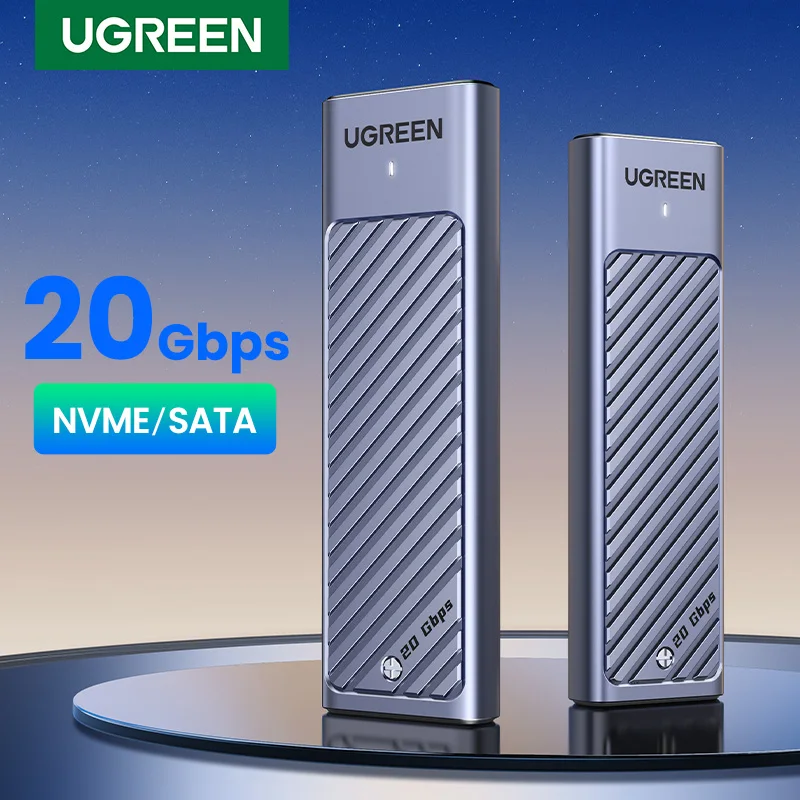


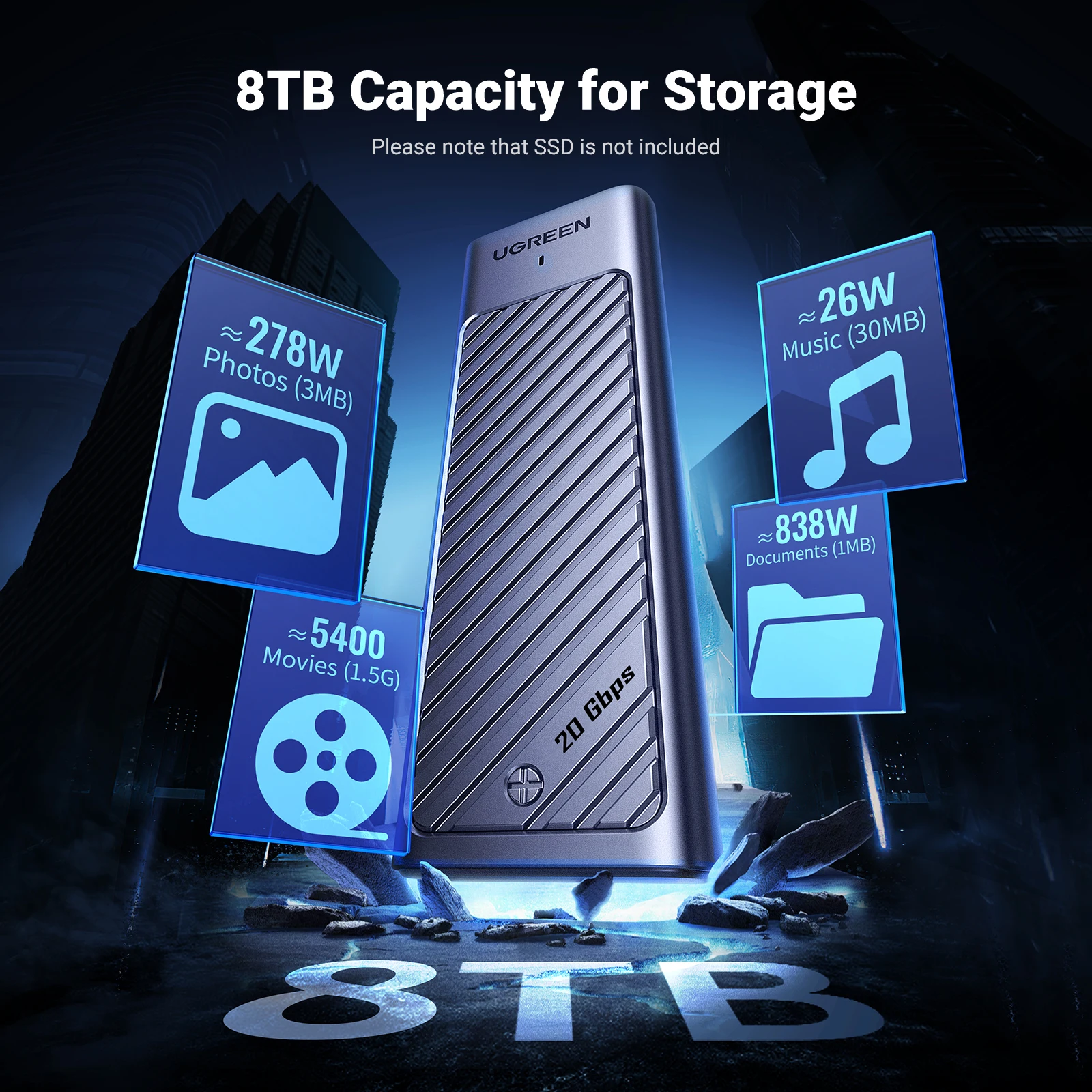
There’s a particular kind of frustration that comes with pulling a perfectly good M.2 drive out of an old laptop and realizing you have no way to reach the files on it. A bare stick of NVMe silicon isn’t much use on its own — it needs a home, a bridge, and a cable. That’s the gap this UGREEN M.2 NVMe/SATA SSD enclosure is built to fill, and the spec sheet suggests it fills it without asking much in return.
20Gbps in a Pocket-Sized Aluminum Shell
The headline figure is 20Gbps over USB 3.2 Gen2x2, which is double what a lot of budget enclosures manage. The chipset handling the translation is a JMicron JMS586, and UGREEN pairs it with UASP and TRIM support. That second one matters more than most people realize, since TRIM helps a drive hold onto its write speeds instead of slowly choking over months of use. Hot swap is on the list too, so moving between machines doesn’t require shutting anything down first.
- Interface: USB Type-C, USB 3.2 Gen2x2, up to 20Gbps
- Chipset: JMicron JMS586
- Drive compatibility: M.2 NVMe and M.2 SATA, M Key and B+M Key
- Supported length: M.2 2280 only
- Extras: UASP, TRIM, hot swappable, bus-powered over USB
- Operating systems: Windows, macOS, Linux, Android
- In the box: enclosure, USB-C cable, screwdriver, screws, user manual
- Warranty: 2 years
NVMe or SATA, M Key or B+M Key
Here’s the thing — a lot of enclosures make you pick a lane. This one takes both NVMe and SATA drives, and it accepts M Key and B+M Key connectors, so the drive you salvaged from a dead machine probably fits regardless of which generation it came from. That kind of flexibility is genuinely useful when you’re not sure what’s sitting in your parts bin. And a two-year warranty on a drive caddy is a reasonable safety net for something that’ll live in a bag or a desk drawer.
Small Catches Worth Knowing First
Real talk: the 2280 limitation is the big one. Shorter drives — the 2230 and 2242 sticks common in handhelds and thin tablets — simply won’t mount here, so check your drive’s length before ordering. The 20Gbps ceiling also depends on what you plug into; connect it to a slower host port and you’ll be capped by that port, not by the enclosure. Quick note: the accessory list covers the enclosure, cable, screwdriver, screws, and manual, but it doesn’t mention a thermal pad, so if your drive runs hot under sustained writes, plan accordingly. The listing also doesn’t spell out exact dimensions or weight, which is worth confirming with the seller if portability is your priority.
Who Gets the Most Out of It
Anyone with a spare 2280 drive, a laptop that needs a bigger boot disk, or a workflow that bounces between Windows, macOS, and Linux will find the OS support covers all the usual ground. Android compatibility is a nice bonus for phone-to-drive transfers. Is 20Gbps overkill for shuffling photo folders? Maybe. But headroom costs nothing extra here.
If your drawer has an orphaned M.2 drive in it, this enclosure is a straightforward way to put it back to work. Check your drive length and key type, and it should slot right in.


Reviews
There are no reviews yet.