


Ever get halfway through a sketch and realize your lines aren’t landing the way they felt in your head? A pen display can help bridge that gap between intention and result—and that’s exactly the promise behind the HUION Kamvas Pro 16 graphics tablet display.
A 16-inch canvas that’s easy to live with
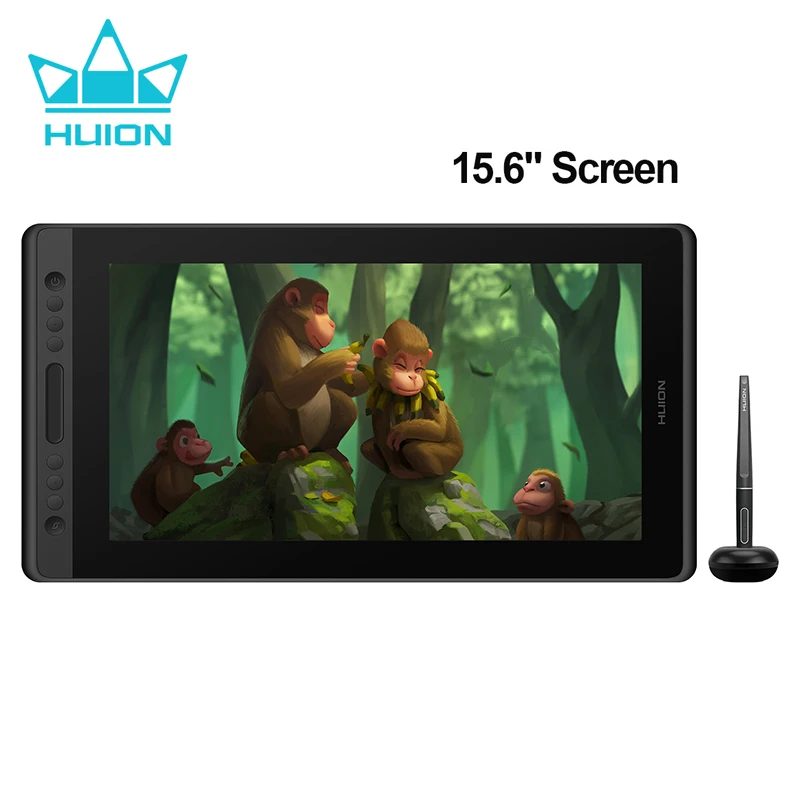
The first practical win here is size. At 16 inches, this HUION Kamvas Pro 16 pen display gives you enough room to draw with comfortable arm movement, but it still feels like something that can fit into a normal desk setup. And because it’s a drawing tablet monitor (not just a blank tablet), you’re working directly where your marks appear—less mental mapping, more direct control.
And if you’ve been bouncing between small sketch pads and larger monitors, you’ll probably appreciate this middle-ground format. Big enough to compose, small enough to manage.
Color coverage aimed at artwork, not spreadsheets
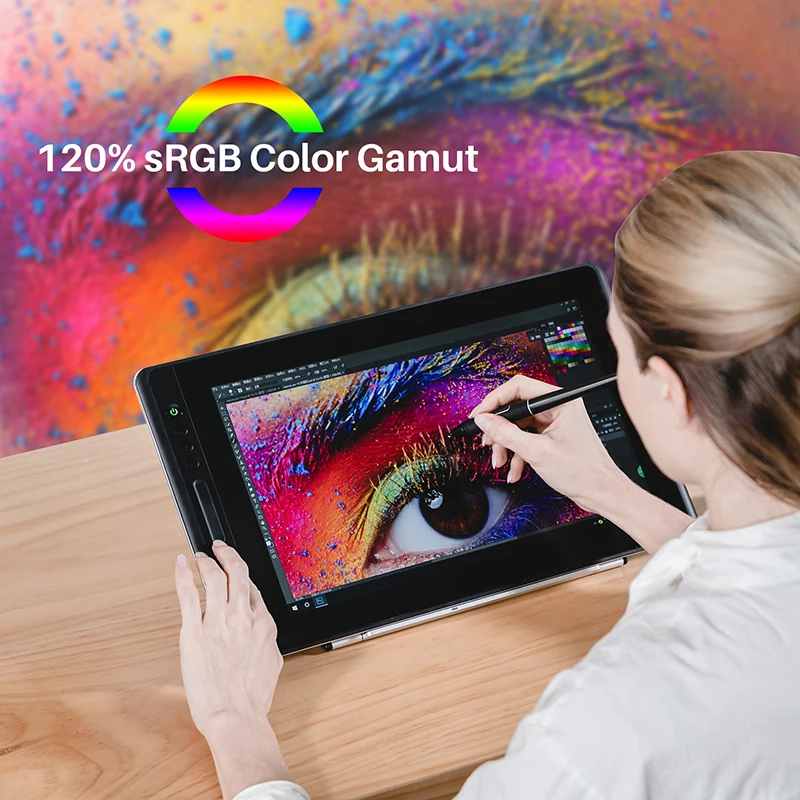
Color can be the silent deal-breaker. This graphics tablet display lists a 120% sRGB color gamut, which is the kind of spec artists tend to look for when they want punchy, confident color. Real talk: if you do illustration, concept art, or any work where saturation and hue shifts matter, that wider sRGB coverage is a clear plus on paper.
But here’s the thing — while gamut coverage is a helpful headline spec, the listing doesn’t get into calibration details. If you rely on very specific color matching, you may want to confirm your calibration plan before committing.
Pen feel: pressure and tilt where it counts
The HUION Kamvas Pro 16 drawing pen tablet monitor supports 8192 levels of pen pressure, which is all about subtle control—lighter strokes, heavier lines, and smoother transitions when you’re building values or doing line weight work. Add in tilt support, and it’s easier to mimic the natural angle changes you use with traditional tools. Want your shading to behave more like a pencil held on its side? Tilt is the spec that helps that idea make sense.
- Pen pressure: 8192 levels
- Tilt function: Yes
- Display size: 16 inches
- Color gamut: 120% sRGB
Shortcut keys: faster flow, fewer menu trips
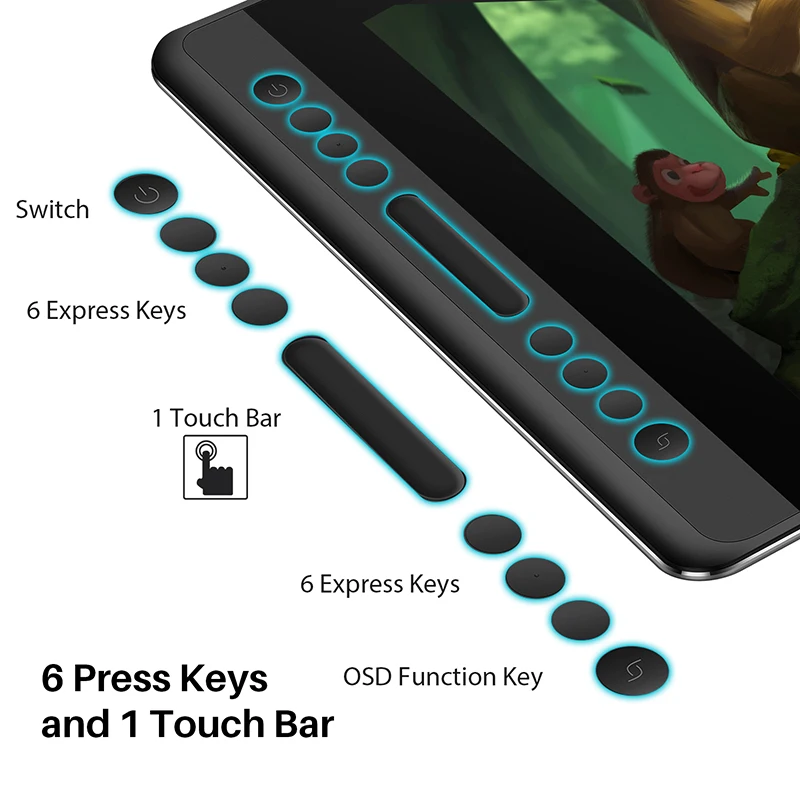
Speed matters once you’re in the zone. This HUION Kamvas Pro 16 graphics tablet display includes shortcut keys, which can cut down on constant reaching for the keyboard. That said, how useful they feel depends on your workflow—are you a heavy hotkey user, or do you mostly work with on-screen UI? Either way, having dedicated shortcuts on a drawing tablet monitor is usually better than not having them.
Two small caveats before you hit “add to cart”
Quick note: the product title mentions stylus shortcut keys, but the listing doesn’t spell out how many keys there are or how they’re arranged, so it’s smart to double-check that the layout matches how you like to work. Also, 16 inches is a sweet spot for many, but if you’re used to very large canvases, you might find yourself zooming more often.
If you want a HUION Kamvas Pro 16 pen display with a solid spec mix—120% sRGB, 8192 pressure levels, and tilt—this drawing pen tablet monitor looks like a focused option for creators who value direct-on-screen drawing. If it fits your desk and your workflow, it’s worth a closer look.




Reviews
There are no reviews yet.