
Ever run out of fast storage lanes just when your build starts getting serious—extra NVMe drives, big project files, and a motherboard that’s already fully booked? If you’re trying to consolidate multiple M.2 SSDs into one PCIe slot, a purpose-built add-in card can be the cleanest way to scale without swapping your whole platform.
Four M.2 Slots, One PCIe Home
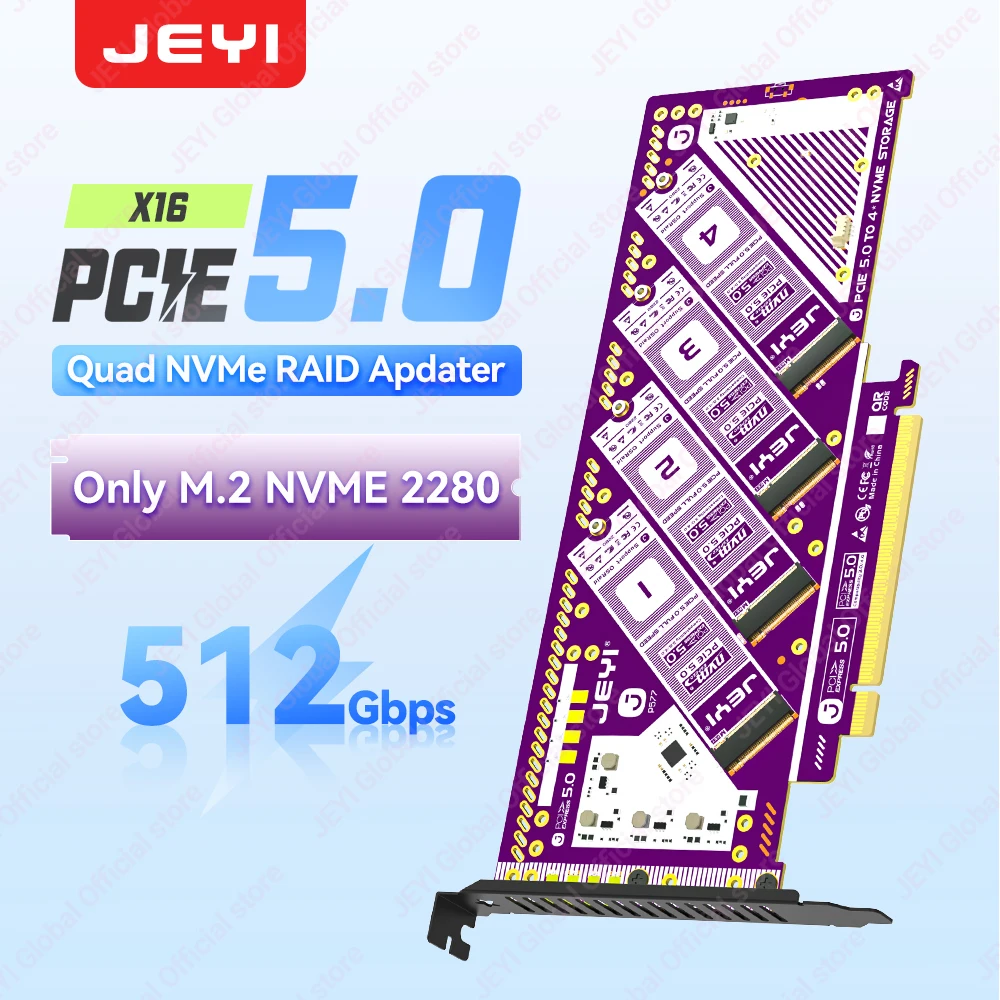
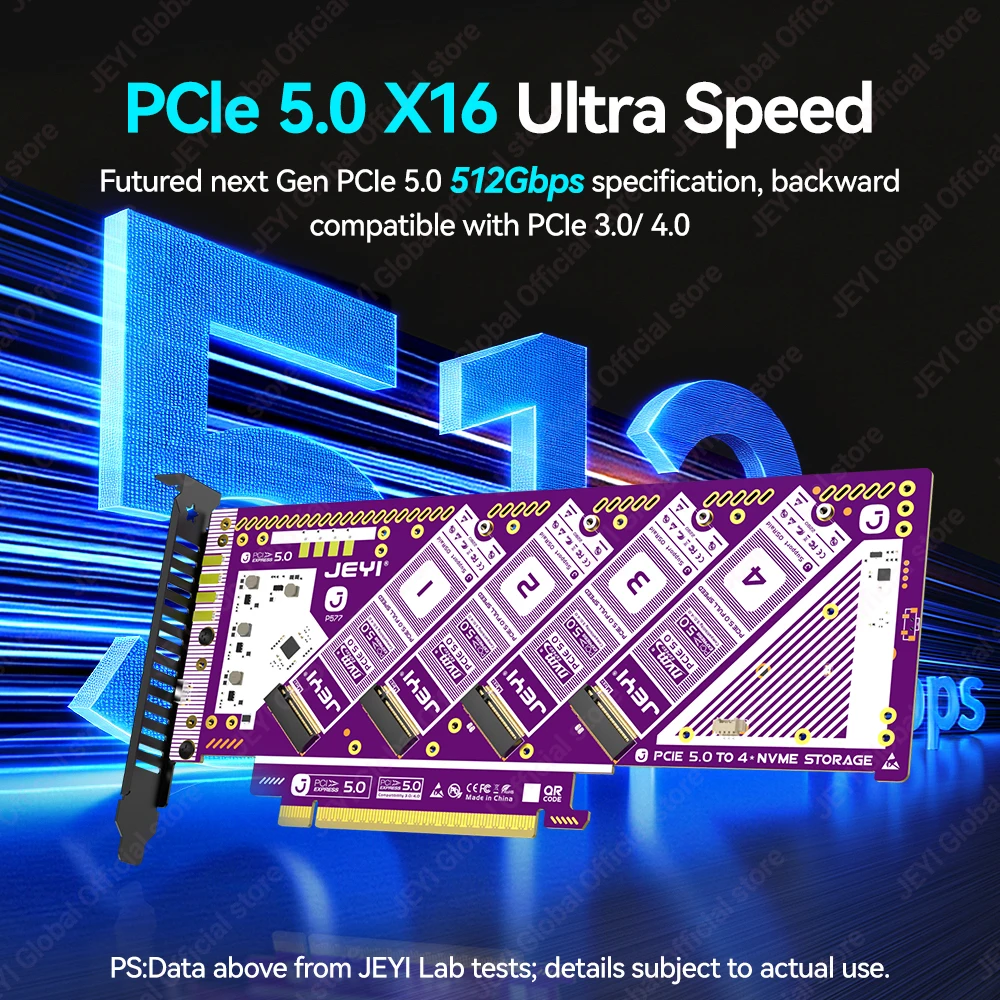
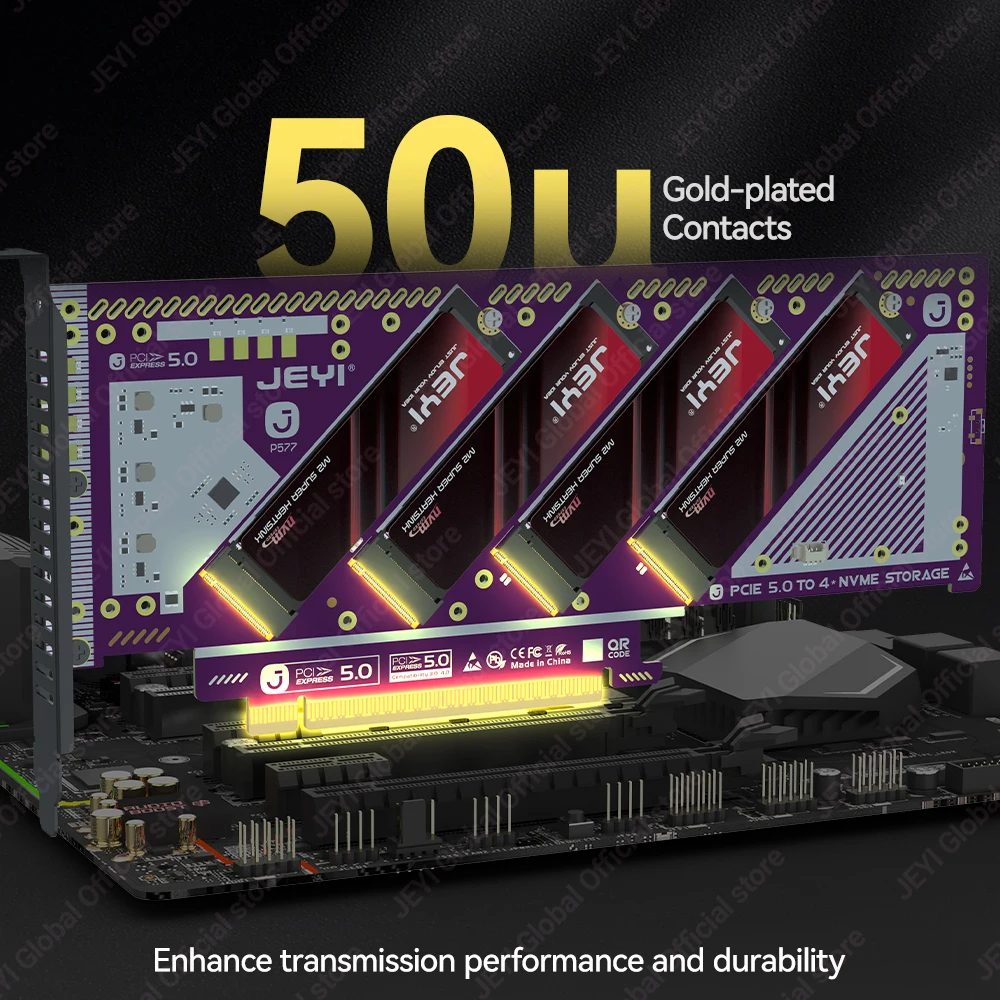
The JEYI PCIe 5.0 X16 Quad M.2 Expansion Card is exactly what the name implies: an expansion card that lets you mount up to four NVMe drives in a single PCIe x16 slot. For anyone eyeing a multi-drive setup for a workstation or storage-heavy desktop, that “quad M.2” layout is the headline. And because it’s positioned as a PCIe 5.0 x16 card, it’s aimed at modern systems where that slot can offer plenty of bandwidth for multiple SSDs.
And if you’re upgrading in stages, compatibility with PCIe 4.0/3.0 is a practical touch—you’re not locked into only the newest boards to get started.
RAID Options That Fit Different Priorities
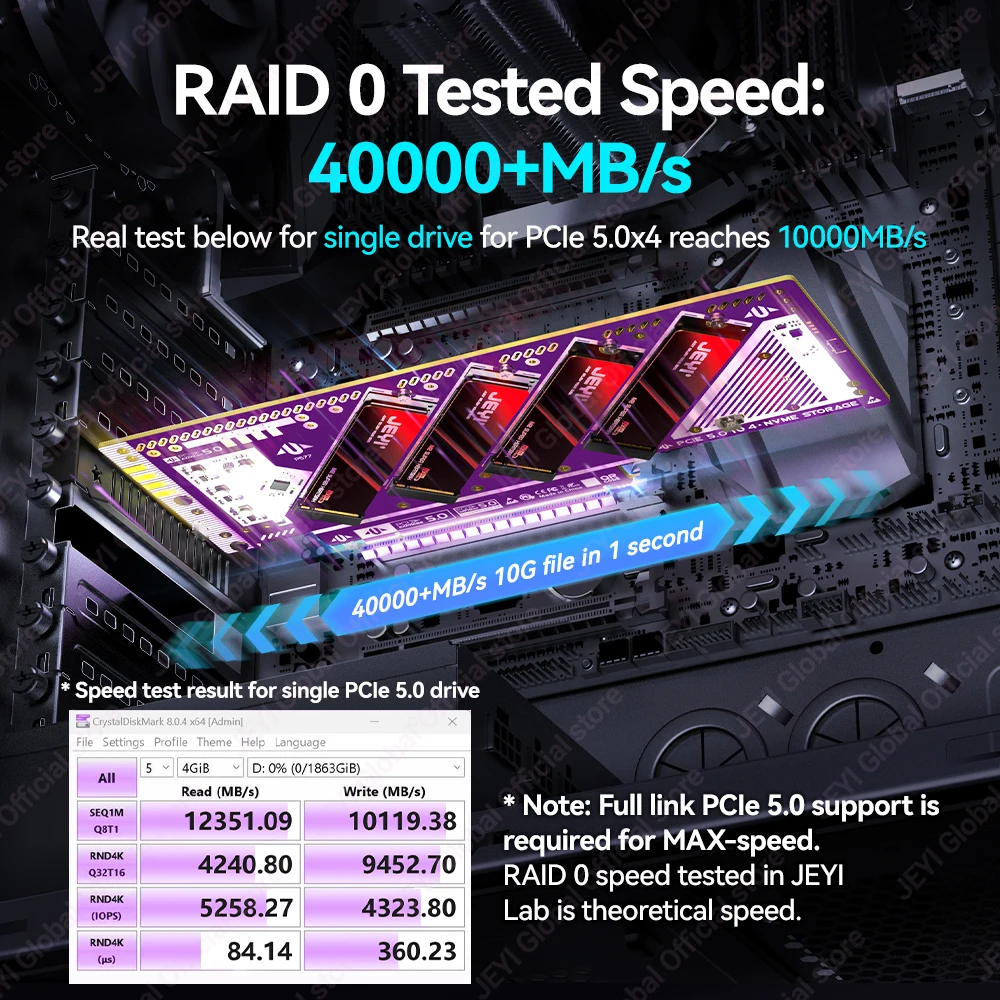
Storage needs aren’t one-size-fits-all, and this JEYI NVMe RAID adapter calls out support for RAID 0/1/5 plus JBOD. That range gives you flexibility depending on what matters most: raw speed, redundancy, or just pooling drives together. Honestly, the inclusion of RAID 5 alongside the more common RAID 0/1 options makes this card sound more versatile on paper than many basic M.2 carrier boards.
Do you want to stripe drives for throughput, mirror for peace of mind, or simply present multiple SSDs independently? Here’s the thing — having RAID 0/1/5/JBOD listed means you can aim the same hardware at different build goals as your storage strategy evolves.
Spec Sheet Highlights (The Stuff You Can’t See)
- Interface: PCIe 5.0 x16 (compatible with PCIe 4.0/3.0)
- M.2 bays: 4
- RAID modes: 0 / 1 / 5 / JBOD
- Rated speed: 512Gb/s
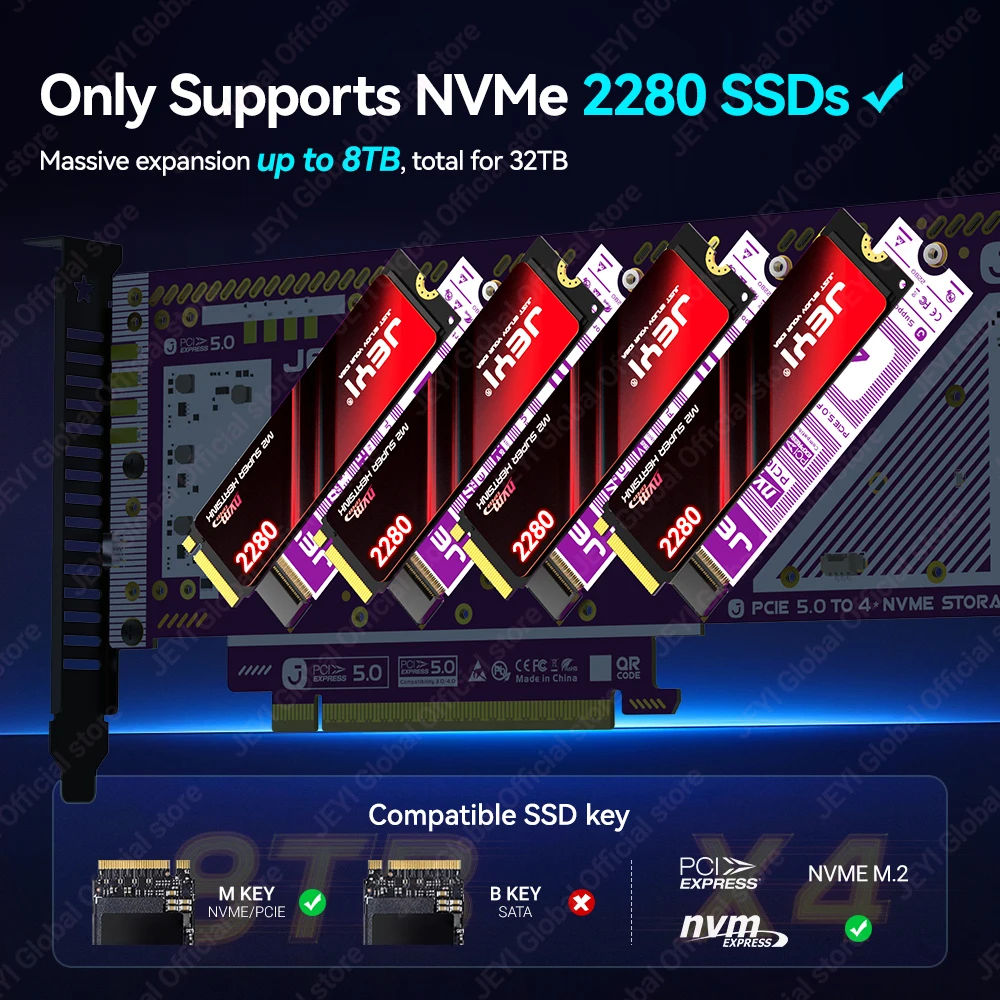
- SSD capacity support: up to 8TB per SSD
For what it’s worth, that “8TB per SSD” callout is reassuring if you’re planning a high-capacity array rather than just adding a couple of smaller drives.
Small Caveats to Keep Your Build Stress-Free
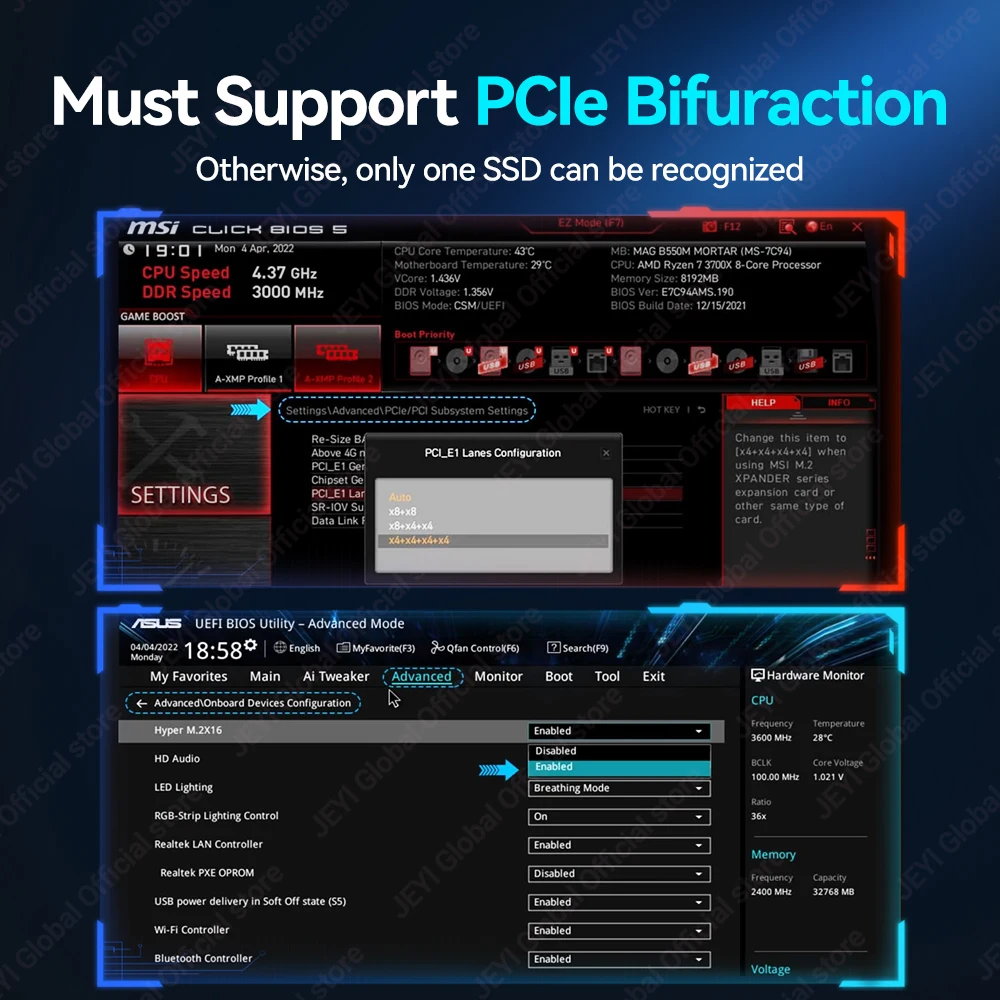
That said, the listing leaves out a couple practical details builders often care about, like what’s required to actually run those RAID modes on your system (for example, whether it relies on platform support or additional setup). Quick note: if RAID configuration is central to your plan, it may be worth checking with the seller about how RAID is implemented before you order.
Also, remember this is an expansion card—your system needs an available PCIe x16 slot, and your overall results will depend on the PCIe generation and lane configuration your motherboard can provide.
Why This JEYI Quad M.2 Expansion Card Is Interesting
As a JEYI PCIe 5.0 X16 quad M.2 expansion card, the appeal is straightforward: four NVMe bays, RAID 0/1/5/JBOD support, and backwards compatibility with PCIe 4.0/3.0. If you’ve been searching for a quad M.2 NVMe adapter to consolidate storage and keep your build tidy, this JEYI NVMe RAID adapter checks the core boxes based on the specs.
If it matches your platform and storage plan, it’s a simple add-on that could help you grow into a multi-SSD setup—worth a closer look when you’re ready to map out your next storage upgrade.



Reviews
There are no reviews yet.