
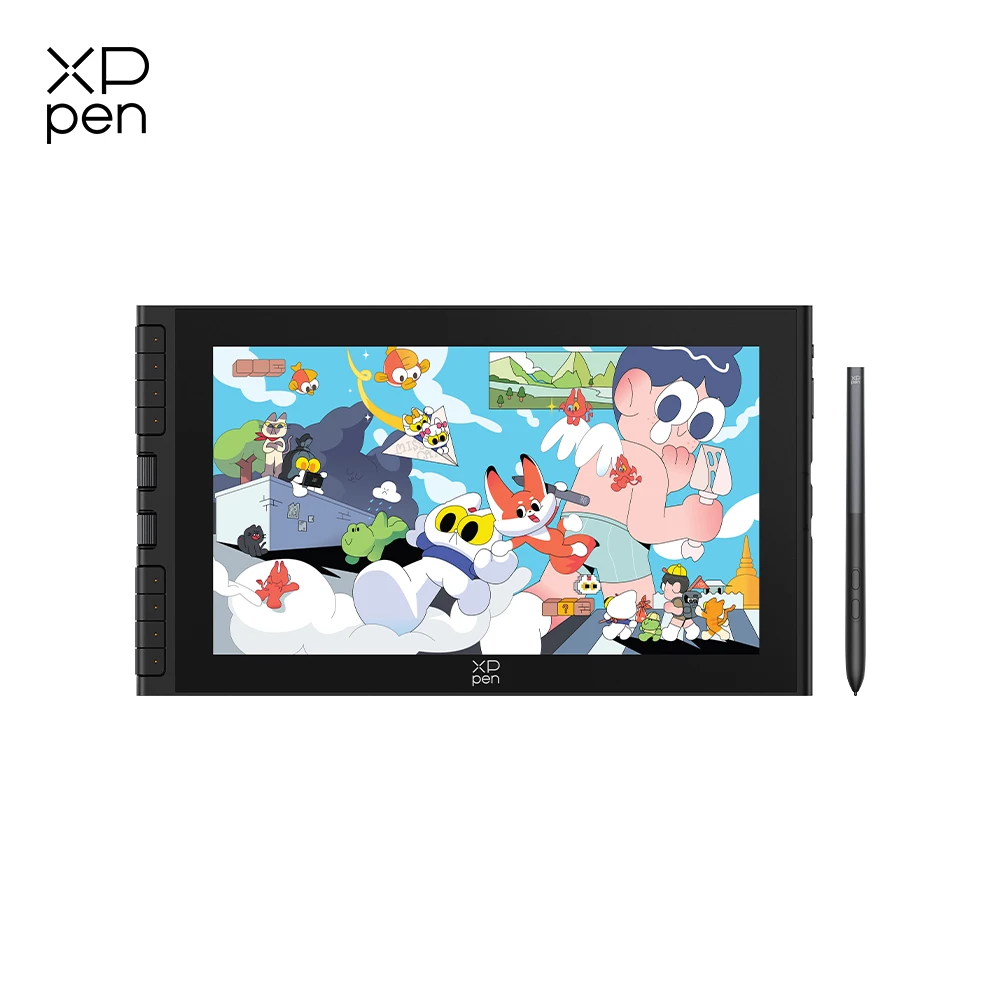
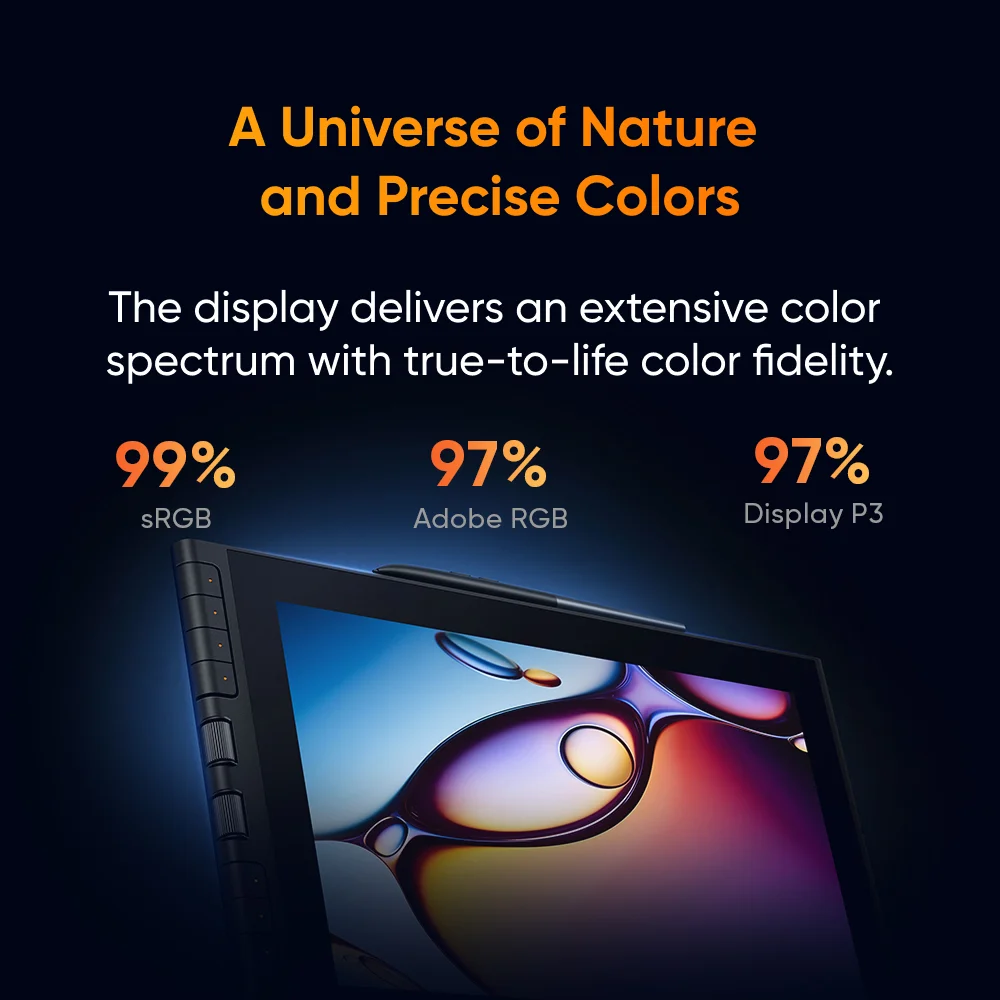

You’ve been sketching on a tablet, but the lack of direct eye-to-hand coordination is driving you crazy. Or maybe you’re a parent looking for a practical gift that fuels creativity without breaking your budget. The question is: does a compact, affordable drawing monitor actually deliver, or will it just collect dust? That’s the exact problem I dug into with the XPPen Artist 12 3rd — a 11.9-inch graphics monitor that packs surprising controls into a portable package.
11.9 Inches of Real Drawing Space – Plus a Foldable Stand
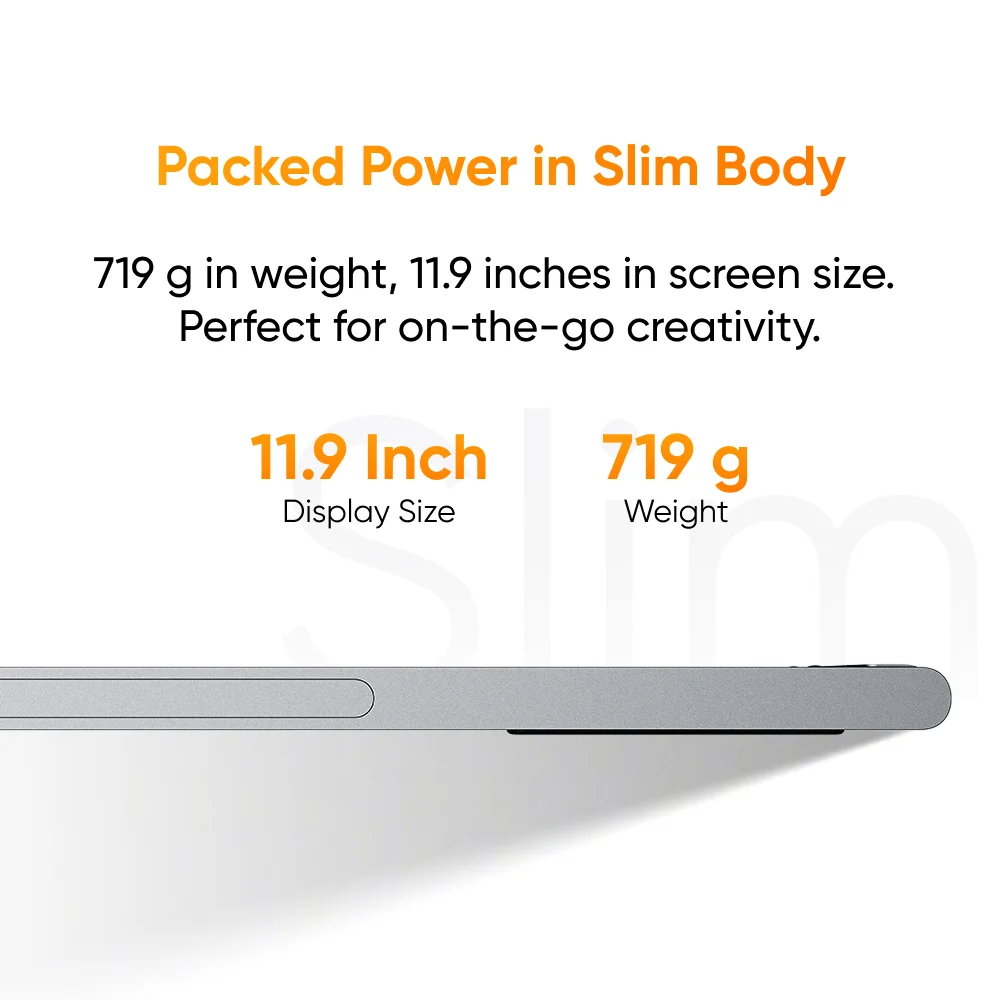
The first thing you notice is the size. At 11.9 inches, it’s big enough to sketch comfortably but small enough to slide into a laptop bag. The 1920 x 1080 resolution means crisp lines and clear details — exactly what you’d need for character design or photo editing. And honestly, the inclusion of a foldable stand in the box is a smart touch. No propping it up on a stack of books; you just open the stand and you’re ready to work. That alone makes setup simpler than most budget monitors I’ve seen spec sheets for.
Those Two Dials and Eight Keys – Actually Useful Shortcuts
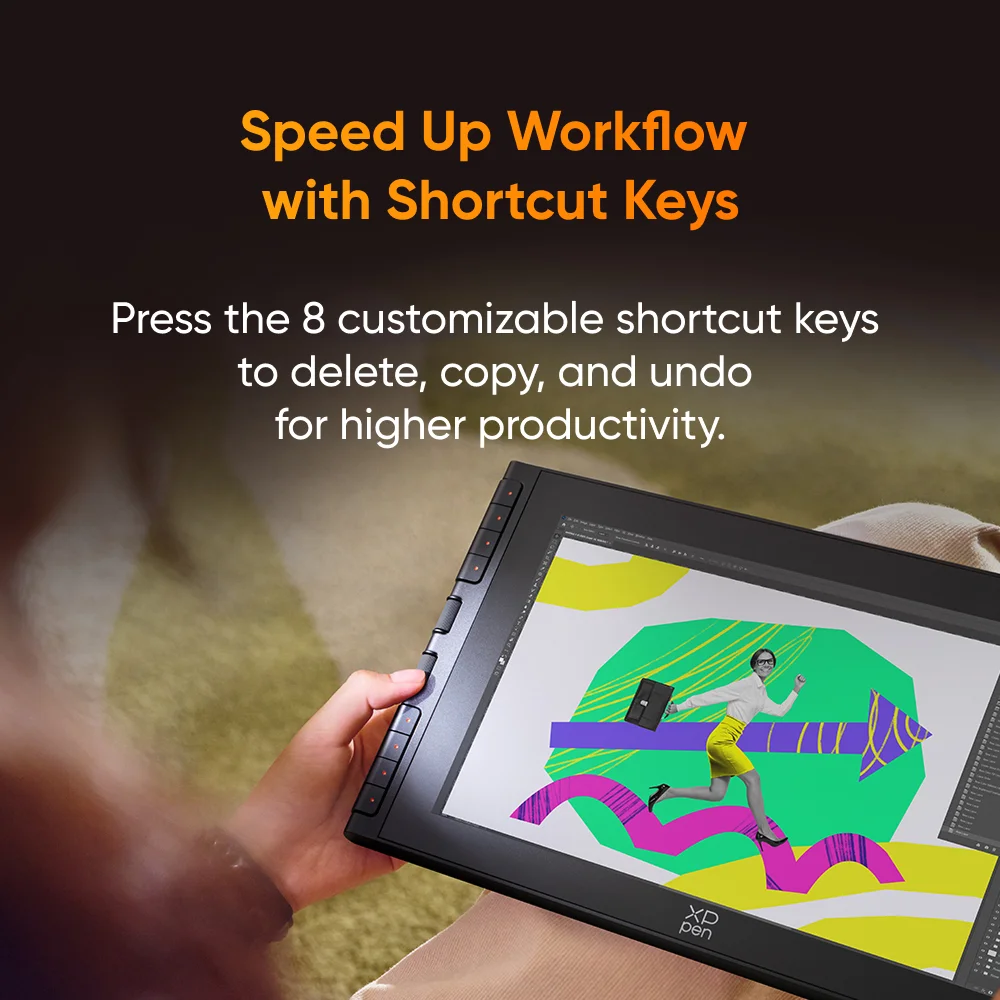
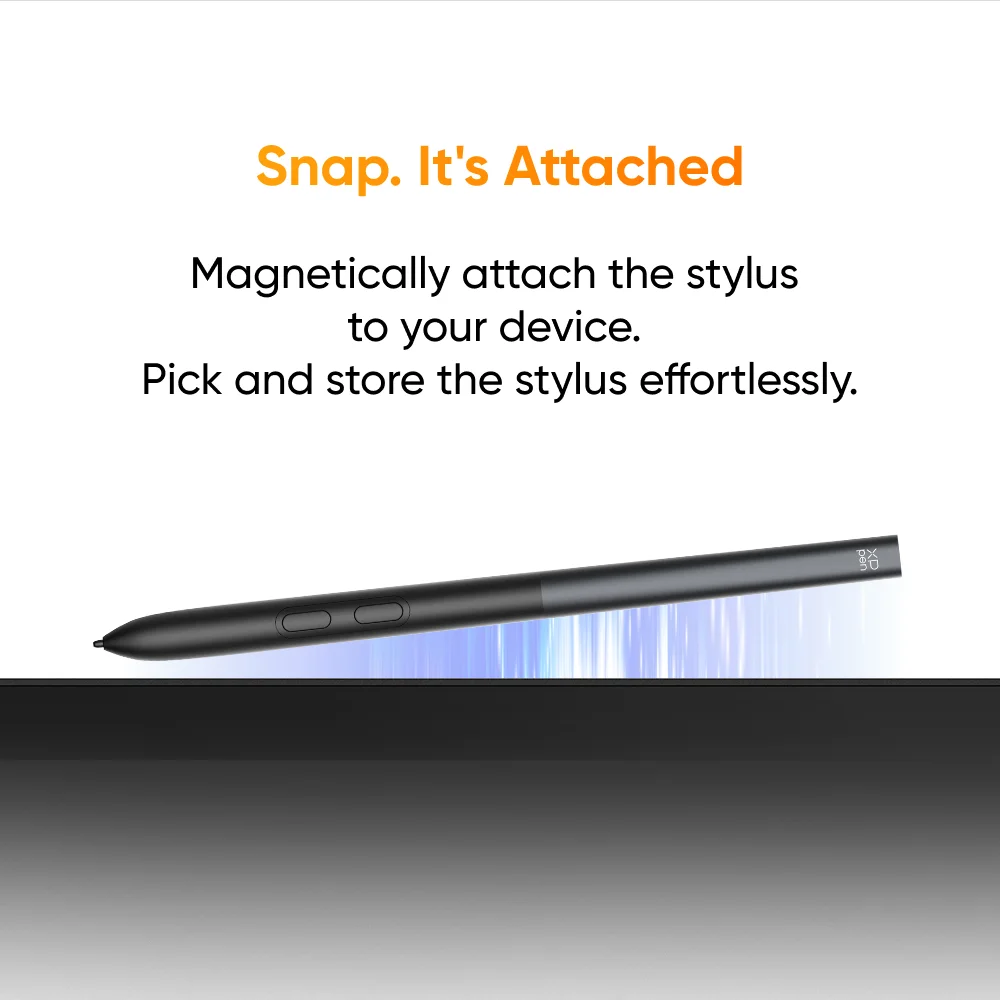
Here’s the thing — a drawing monitor is only as good as how fast you can navigate your software. The XPPen Artist 12 3rd comes with two physical dials and eight programmable keys on the side. For someone who frequently brushes, zooms, or changes canvas size, that’s a serious workflow boost. Pair that with the X4 Smart Stylus, which offers 8192 levels of pressure sensitivity, and you get nuanced strokes without any noticeable lag. Based on the specs, this combo should handle everything from delicate ink work to broad fills. Quick note: the stylus doesn’t require charging, which is one less cable to worry about.
A Few Honest Questions the Listing Doesn’t Answer
For what it’s worth, the product data leaves out a couple of details I’d want to know before clicking “buy.” For example, it doesn’t specify the screen’s brightness level or color gamut coverage — two specs that matter a lot if you’re doing print or color-sensitive work. The USB-C connectivity is great for modern laptops, but there’s no mention of whether the cable is long enough for comfortable desk setups. And while the bundled foldable stand looks sturdy, I can’t confirm if it offers tilt adjustment. If those things are critical to you, a quick message to the seller might be worth your time.
Who Actually Benefits from This Monitor?
Based on the feature set, this feels purpose-built for a few groups. Students and hobbyists who want a reliable secondary display for drawing without spending a fortune. Parents hunting for a kid’s gift that’s more creative than a gaming controller. Or even experienced illustrators who need a portable travel companion. The 11.9-inch footprint and USB-C simplicity make it easy to pair with a laptop for on-the-go sketching. And with 8 keys and 2 dials, you won’t feel like you’re sacrificing speed for portability. But is it suitable for a professional studio? That depends on whether you need larger canvas space or higher resolution — so consider your typical workflow.
If you’re after a compact, fully featured drawing monitor with solid stylus performance and customizable controls, the XPPen Artist 12 3rd looks like a strong contender. It doesn’t claim to be everything to everyone, but for the price tier, it covers the essentials well. Take a close look at your workspace and your must-have specs, then decide if this is the tablet that fits your style.


Reviews
There are no reviews yet.